
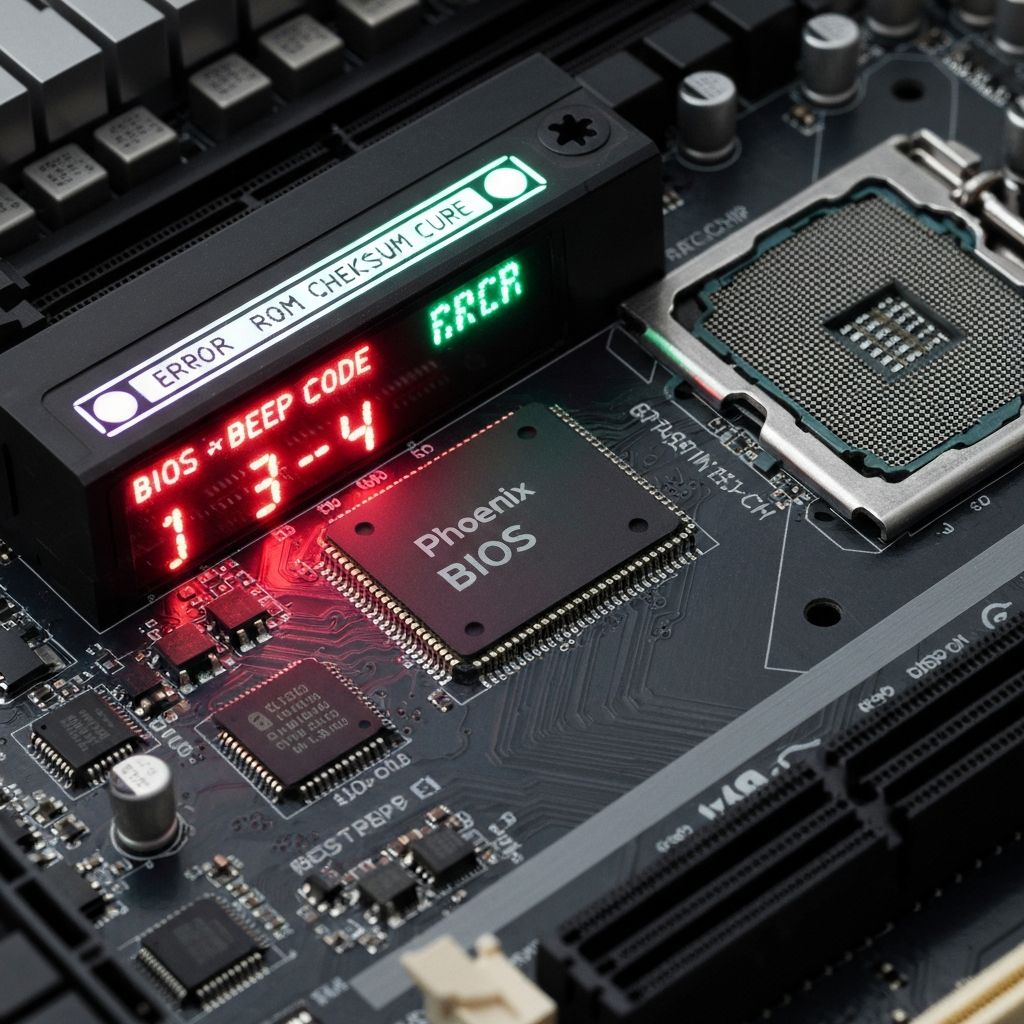
Phoenix BIOS Beep Code 1-1-4
Decode Phoenix BIOS beep code 1-1-4 indicating BIOS ROM checksum error. BIOS corruption, chip failure, and firmware issues preventing system boot.
What is Phoenix BIOS Code 1-1-4?
Phoenix BIOS beep code 1-1-4 (one beep, pause, one beep, pause, four beeps) indicates a BIOS ROM checksum error. The motherboard's BIOS chip is corrupted or failing, preventing the system from completing POST.
When does it occur?
This beep pattern sounds when:
- Failed BIOS update
- Power loss during BIOS flash
- Corrupted BIOS chip
- After overclocking that damaged BIOS
- BIOS chip failure due to age
What it means
- BIOS firmware is corrupted or unreadable
- BIOS ROM chip may be physically damaged
- Checksum verification failed during POST
- System cannot load boot block code
- Motherboard cannot initialize properly
Common causes
- Interrupted BIOS update process
- Power outage during BIOS flash
- Static discharge damaging BIOS chip
- Extreme overclocking corrupting BIOS
- Failed CMOS battery causing BIOS corruption
- Age-related BIOS chip failure
- Malware affecting BIOS (rare)
Step-by-step fixes
- Clear CMOS - Remove CMOS battery for 10 minutes or use CMOS jumper to reset
- Replace CMOS battery - Install new CR2032 battery on motherboard
- Attempt BIOS recovery - Many boards have BIOS Flashback or Q-Flash Plus to recover
- Try dual BIOS switch - If motherboard has dual BIOS, switch to backup BIOS chip
- Use BIOS recovery jumper - Check manual for BIOS recovery jumper and procedure
- Remove all hardware except essentials - Test with only CPU, one RAM stick, and PSU connected
- Replace BIOS chip - Some motherboards have removable BIOS chips that can be replaced
- Contact manufacturer support - May need RMA or professional BIOS chip reprogramming
If it still doesn't work
If your motherboard supports USB BIOS Flashback or similar feature, create a bootable USB with the correct BIOS file and use the flashback button to reprogram the BIOS chip without a working system. Consult your motherboard manual for exact procedure.
For motherboards without recovery features and non-removable BIOS chips, the motherboard may need professional service or replacement. Some local computer repair shops have BIOS programming equipment that can reflash corrupted chips. Alternatively, if your motherboard is still under warranty, contact the manufacturer for RMA.
Related errors
Understanding AMI BIOS one short beep code meaning successful POST. Normal boot confirmation beep and what it indicates about system health.
Decode Award BIOS one long one short beep pattern indicating memory error. RAM detection failure and memory initialization problems during POST.