
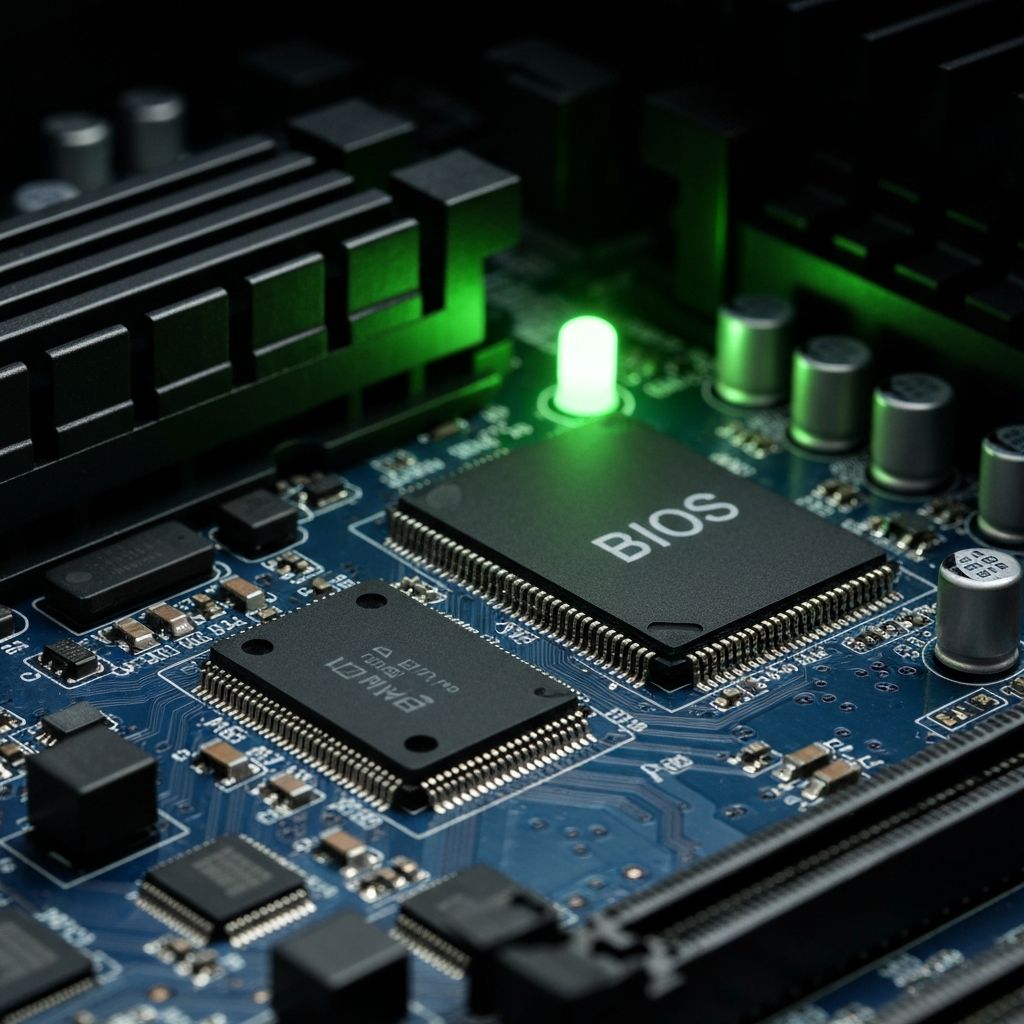
AMI BIOS One Short Beep
Understanding AMI BIOS one short beep code meaning successful POST. Normal boot confirmation beep and what it indicates about system health.
What is AMI BIOS One Short Beep?
One short beep from AMI BIOS indicates successful POST (Power-On Self-Test) completion. This is actually a good sign, not an error - it means all hardware components passed initialization and the system is ready to load the operating system.
When does it occur?
This single beep sounds when:
- PC boots successfully
- All hardware components detected properly
- POST completes without errors
- System ready to load OS
- Every normal boot sequence
What it means
- RAM detected and functional
- CPU initialized correctly
- Graphics card working
- Storage drives detected
- No critical hardware errors
- System ready to boot
Not an error - but if there are issues
If you hear one short beep but still have problems, the issue is not hardware-related at POST level. Common scenarios:
- One beep but no display - Check monitor connection, try different cable, verify monitor power and input source
- One beep but no OS - Check boot order in BIOS, verify OS installation on drive, check boot drive connection
- One beep then freeze - May indicate OS corruption, corrupted boot files, or software issue
- One beep with black screen - GPU may be working but monitor not receiving signal, check cable and monitor settings
Troubleshooting post-beep issues
- Enter BIOS setup - Press Del, F2, or F10 during boot to verify BIOS can be accessed
- Check boot order - Ensure correct drive is first in boot priority
- Verify storage connection - Check SATA/NVMe cables and power connections
- Test different video output - Try different port on GPU (HDMI vs DisplayPort)
- Try safe mode - If OS starts loading then crashes, boot to safe mode
- Check boot logs - Review Windows Event Viewer or Linux boot logs for errors
If system won't proceed past one beep
While the single beep confirms hardware POST success, the system still needs to load the bootloader and OS. If it stops after the beep, check:
- Boot device is connected and powered
- OS files are not corrupted (repair/reinstall may be needed)
- BIOS boot settings are correct
- No USB drives or other media interfering with boot order
Related errors
Fix continuous beeping BIOS error indicating RAM failure. Memory not detected, unseated RAM, or faulty memory modules causing persistent beep codes.
Decode Phoenix BIOS beep code 1-1-4 indicating BIOS ROM checksum error. BIOS corruption, chip failure, and firmware issues preventing system boot.