
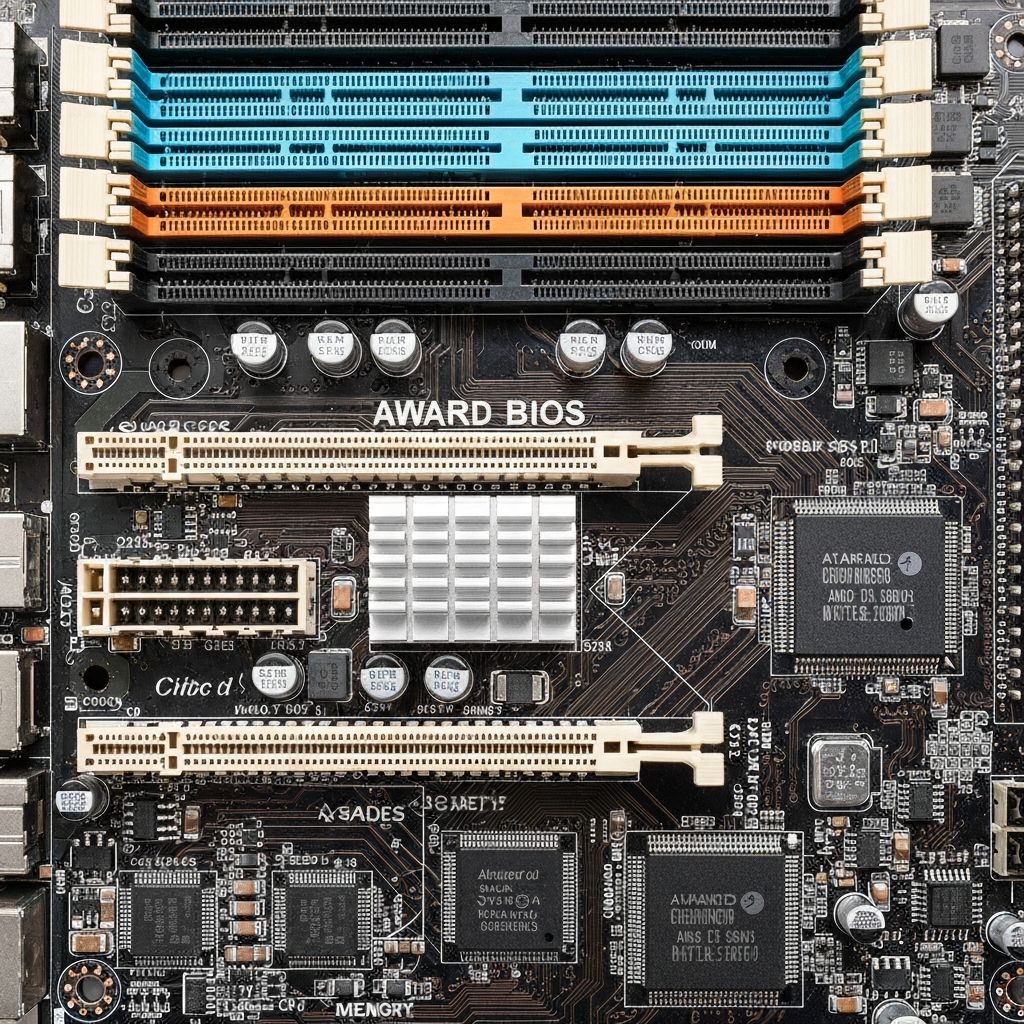
Award BIOS Long Short Beep
Decode Award BIOS one long one short beep pattern indicating memory error. RAM detection failure and memory initialization problems during POST.
What is Award BIOS Long-Short Beep?
One long beep followed by one short beep on Award BIOS indicates a memory (RAM) error or failure. The system detected a problem during RAM initialization in POST and cannot proceed with boot.
When does it occur?
This beep pattern sounds when:
- RAM is improperly seated
- RAM module is faulty or incompatible
- Memory slots are damaged
- Incorrect RAM installation
- RAM not detected by motherboard
What it means
- Memory test failed during POST
- RAM not properly initialized
- Memory module incompatibility detected
- RAM not seated correctly in slots
- Possible motherboard memory controller issue
Common causes
- RAM not fully inserted into slots
- Incompatible RAM speed or type
- Mixed RAM modules with different specs
- Faulty RAM stick
- Dirty or corroded RAM contacts
- RAM installed in wrong slots per manual
- Damaged motherboard memory slots
Step-by-step fixes
- Reseat all RAM modules - Power off, remove RAM sticks, firmly press back until clips lock
- Test with one RAM stick - Try each stick individually in different slots
- Check motherboard manual - Install RAM in recommended slots (often alternating slots for dual channel)
- Clean RAM contacts - Use isopropyl alcohol on cotton swab to clean gold pins
- Remove mixed RAM - Use matching RAM sticks with same speed, capacity, and timings
- Verify RAM compatibility - Check motherboard QVL list for officially supported RAM
- Clear CMOS - Reset BIOS settings to defaults
- Update BIOS - Flash to latest BIOS version for better RAM compatibility
If it still doesn't work
If the beep persists with known-good RAM properly installed, test the RAM in another compatible motherboard to confirm the modules work. If RAM works elsewhere, your motherboard's memory controller or slots are likely defective.
Try booting with RAM at default JEDEC speeds (disable XMP/DOCP profiles) as high-speed RAM may be unstable. Some motherboards require specific RAM installation order or population rules - consult your motherboard manual for memory installation guidelines.
Related errors
Fix continuous beeping BIOS error indicating RAM failure. Memory not detected, unseated RAM, or faulty memory modules causing persistent beep codes.
Decode Phoenix BIOS beep code 1-1-4 indicating BIOS ROM checksum error. BIOS corruption, chip failure, and firmware issues preventing system boot.