
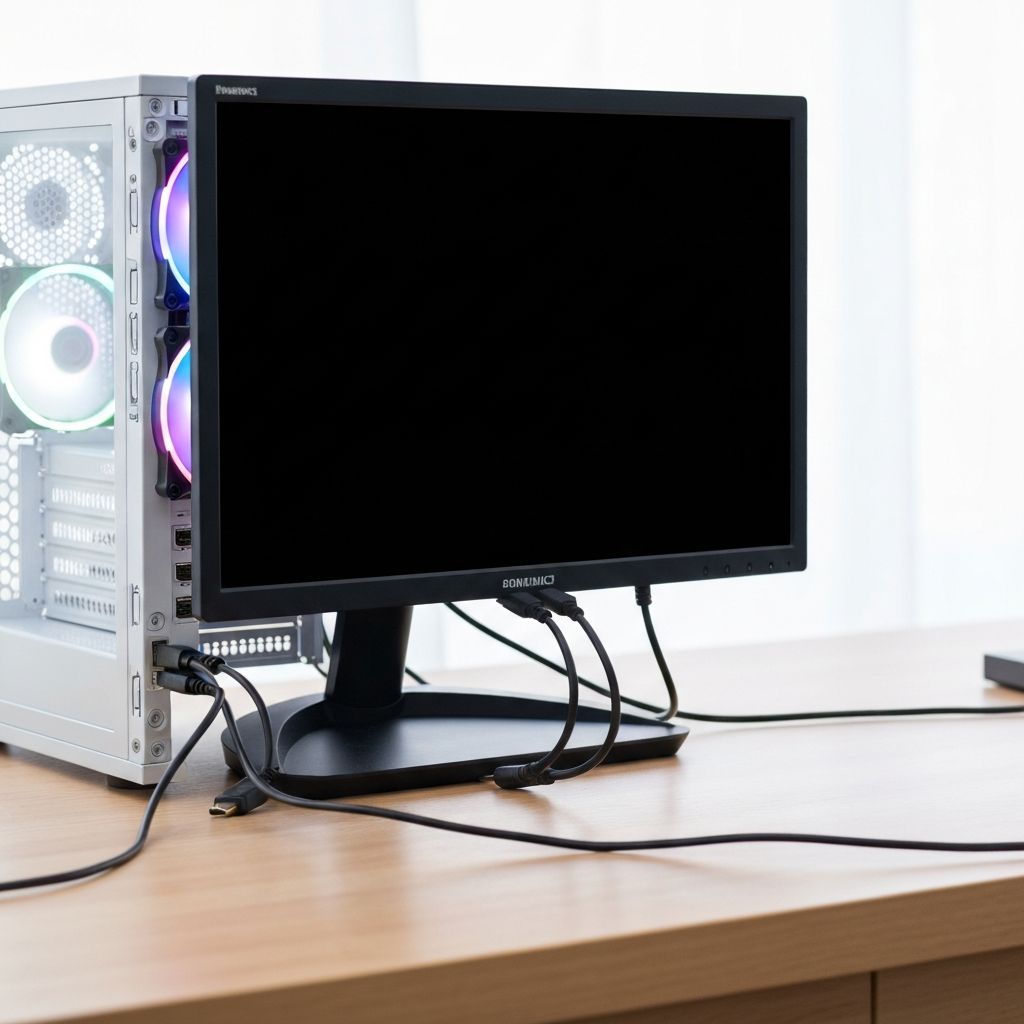
PC Turns On No Display Monitor
Fix PC that powers on but monitor shows no display. Black screen issues, POST failures, and connection problems preventing video output at startup.
What is PC No Display?
PC powers on (fans spin, lights turn on) but the monitor remains black or shows "No Signal." This indicates the computer is not completing POST successfully or video output is not reaching the monitor.
When does it occur?
This happens when:
- Building a new PC for first time
- After hardware upgrades (GPU, RAM, CPU)
- Following power outages
- When PC has been unused for long period
- After moving or transporting computer
Common causes
- Loose or incorrect cable connections
- RAM not properly seated
- Graphics card not detected
- Monitor input source set incorrectly
- Faulty HDMI/DisplayPort cable
- CPU or motherboard failure
- PSU insufficient or faulty
Step-by-step fixes
- Check all power connections - Verify 24-pin ATX and 4/8-pin CPU power cables are secure
- Verify monitor connection - Ensure cable connected to GPU not motherboard, check monitor is powered on
- Try different video cable - Test with different HDMI, DisplayPort, or DVI cable
- Check monitor input source - Use monitor buttons to select correct input (HDMI1, DP, etc.)
- Reseat RAM modules - Remove and reinstall RAM firmly into correct slots
- Reseat graphics card - Remove GPU, clean PCIe slot, reinstall and secure power cables
- Test with one RAM stick - Try booting with single RAM module in different slots
- Clear CMOS - Remove motherboard battery for 5 minutes or short CMOS jumper
If it still doesn't work
Listen for beep codes from motherboard speaker if installed (series of beeps indicate specific hardware issues). Check motherboard LED indicators or consult debug code display if your board has one.
Remove all non-essential components (extra RAM, drives, expansion cards, front panel connectors except power button) and attempt to boot with minimal configuration. Add components back one at a time to identify which causes the issue.
Related errors
Resolve Gigabyte motherboard white VGA LED with no display signal. GPU detection failure, graphics card issues, and monitor no signal errors.
Fix ASUS motherboard red CPU LED with no display output. CPU detection failure, socket issues, and boot problems indicated by red CPU debug LED.