
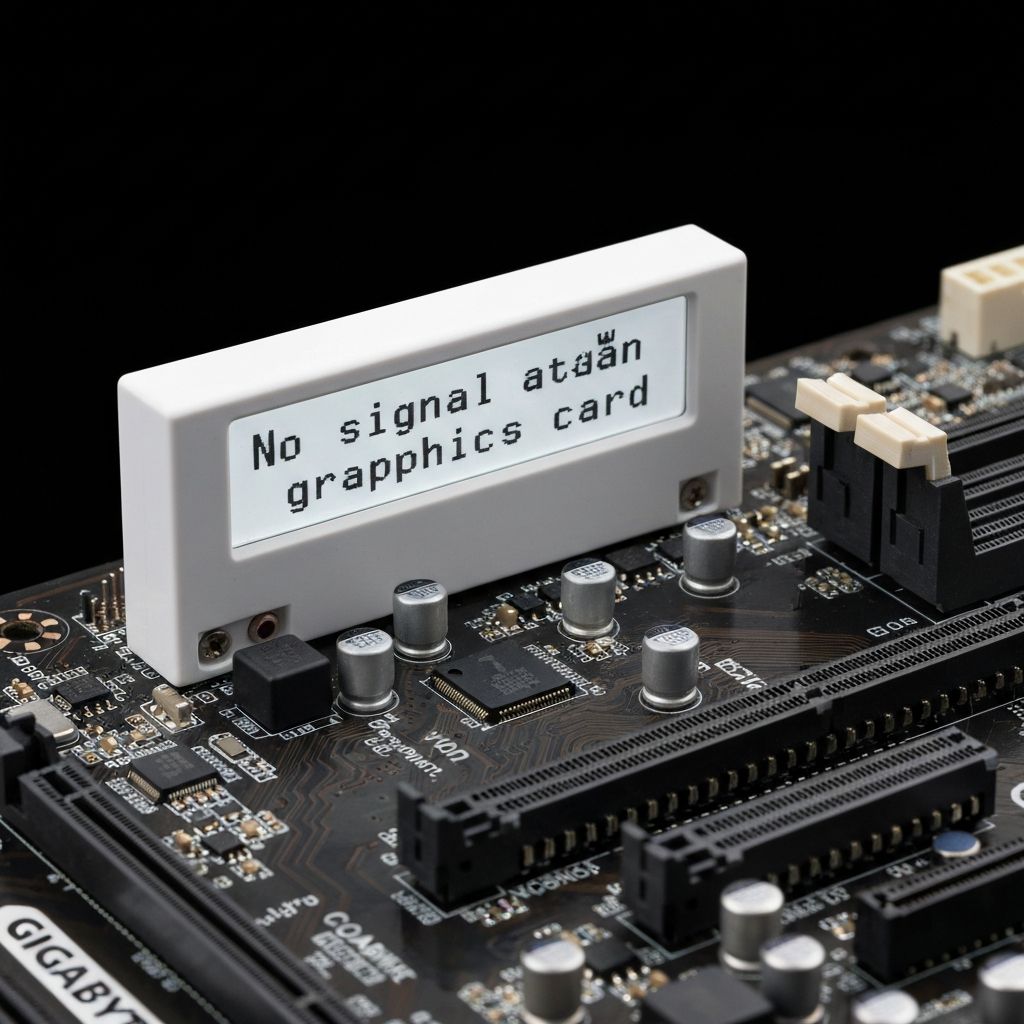
Gigabyte VGA LED White No Signal
Resolve Gigabyte motherboard white VGA LED with no display signal. GPU detection failure, graphics card issues, and monitor no signal errors.
What is Gigabyte White VGA LED?
The white VGA LED on Gigabyte motherboards indicates the system has detected an issue with the graphics card or video output during the boot process. The monitor shows "No Signal" because the GPU is not initializing properly.
When does it occur?
This LED appears when:
- Installing a new graphics card
- After moving GPU to different PCIe slot
- Following driver updates or Windows updates
- When GPU power cables are disconnected
- After transporting or moving PC
Common causes
- GPU not fully seated in PCIe slot
- PCIe power cables not connected to GPU
- Insufficient PSU wattage for GPU
- Faulty or incompatible graphics card
- Outdated motherboard BIOS
- Monitor connected to motherboard instead of GPU
- GPU disabled in BIOS settings
Step-by-step fixes
- Check PCIe power connections - Ensure 6-pin, 8-pin, or 12-pin power cables are firmly connected to GPU
- Reseat graphics card - Power off, remove GPU, clean PCIe slot, reinstall firmly until click
- Verify monitor connection - Connect monitor cable to graphics card ports, NOT motherboard ports
- Check PSU wattage - Ensure power supply meets GPU's minimum requirements
- Try different PCIe slot - Move GPU to another PCIe x16 slot if available
- Clear CMOS - Reset BIOS to defaults to restore PCIe settings
- Remove and test with integrated graphics - Remove GPU and test with CPU's integrated graphics if available
- Test GPU in another PC - Verify if GPU is functional in different system
If it still doesn't work
Some high-power GPUs require separate power cables for each connector, not daisy-chained cables from a single PSU cable. Check your PSU has adequate dedicated PCIe power cables for your GPU's requirements.
If the GPU works in another system but not yours, the motherboard's PCIe slot may be damaged or there's a BIOS compatibility issue. Update to the latest BIOS version. For very new GPUs on older motherboards, you may need a BIOS update that adds support for newer PCIe standards or Resizable BAR.
Related errors
Fix ASUS motherboard red CPU LED with no display output. CPU detection failure, socket issues, and boot problems indicated by red CPU debug LED.
Troubleshoot MSI motherboard orange DRAM LED preventing boot. RAM detection failure, memory slot issues, and boot failure indicated by orange debug LED.