
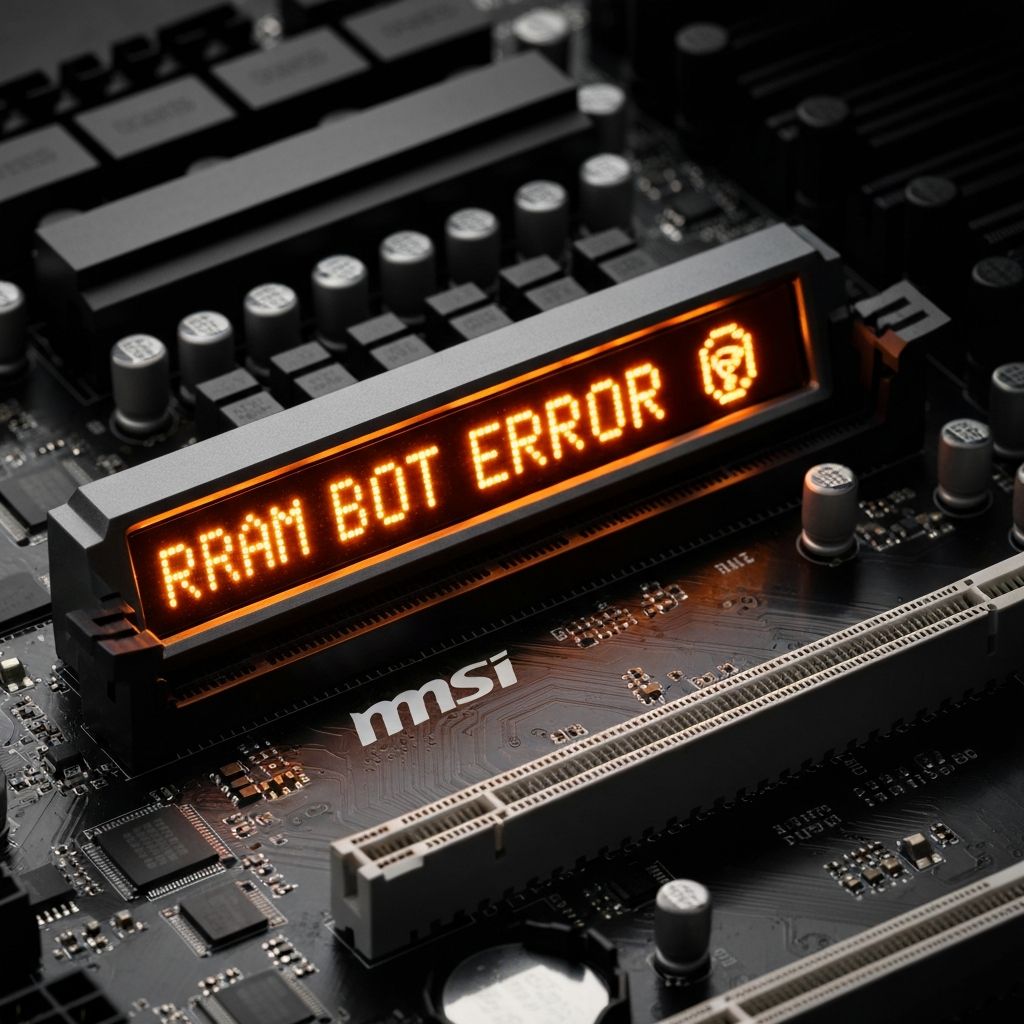
MSI DRAM LED Orange Boot Fail
Troubleshoot MSI motherboard orange DRAM LED preventing boot. RAM detection failure, memory slot issues, and boot failure indicated by orange debug LED.
What is MSI Orange DRAM LED?
The orange/yellow DRAM LED on MSI motherboards indicates the motherboard cannot detect or properly initialize the RAM during boot. This prevents the system from POSTing and showing display output.
When does it occur?
This LED illuminates when:
- Installing new RAM modules
- After BIOS updates
- Moving RAM to different slots
- First boot of new PC build
- Following power outages or hard shutdowns
Common causes
- RAM not fully seated in slots
- Incompatible RAM with motherboard
- Faulty RAM module
- RAM installed in wrong slots
- Dirty or damaged RAM pins
- Outdated BIOS not supporting RAM speed
- RAM speed incompatible with CPU memory controller
Step-by-step fixes
- Reseat RAM properly - Remove RAM, push firmly into slots until both clips click
- Try one stick at a time - Test each RAM stick individually in different slots
- Check motherboard manual - Install RAM in correct slots (usually A2 and B2 for dual channel)
- Clean RAM contacts - Use isopropyl alcohol and cotton swab to clean gold contacts
- Test with different RAM - Try known working RAM to rule out motherboard issue
- Clear CMOS - Remove battery or use JBAT jumper to reset BIOS to defaults
- Update BIOS - Flash to latest BIOS version using USB and BIOS Flash button
- Lower RAM speed in BIOS - Disable XMP/DOCP and set RAM to lower frequency manually
If it still doesn't work
Check your motherboard's QVL (Qualified Vendor List) to ensure your RAM is officially supported. Some RAM kits, especially high-speed ones, may not be compatible with certain motherboard revisions even if they're the correct DDR type.
If testing reveals a faulty RAM stick, contact the manufacturer for RMA replacement. For persistent issues with known-good RAM, the motherboard's memory controller or slots may be defective, requiring motherboard replacement or RMA.
Related errors
Fix ASUS motherboard red CPU LED with no display output. CPU detection failure, socket issues, and boot problems indicated by red CPU debug LED.
Resolve Gigabyte motherboard white VGA LED with no display signal. GPU detection failure, graphics card issues, and monitor no signal errors.