
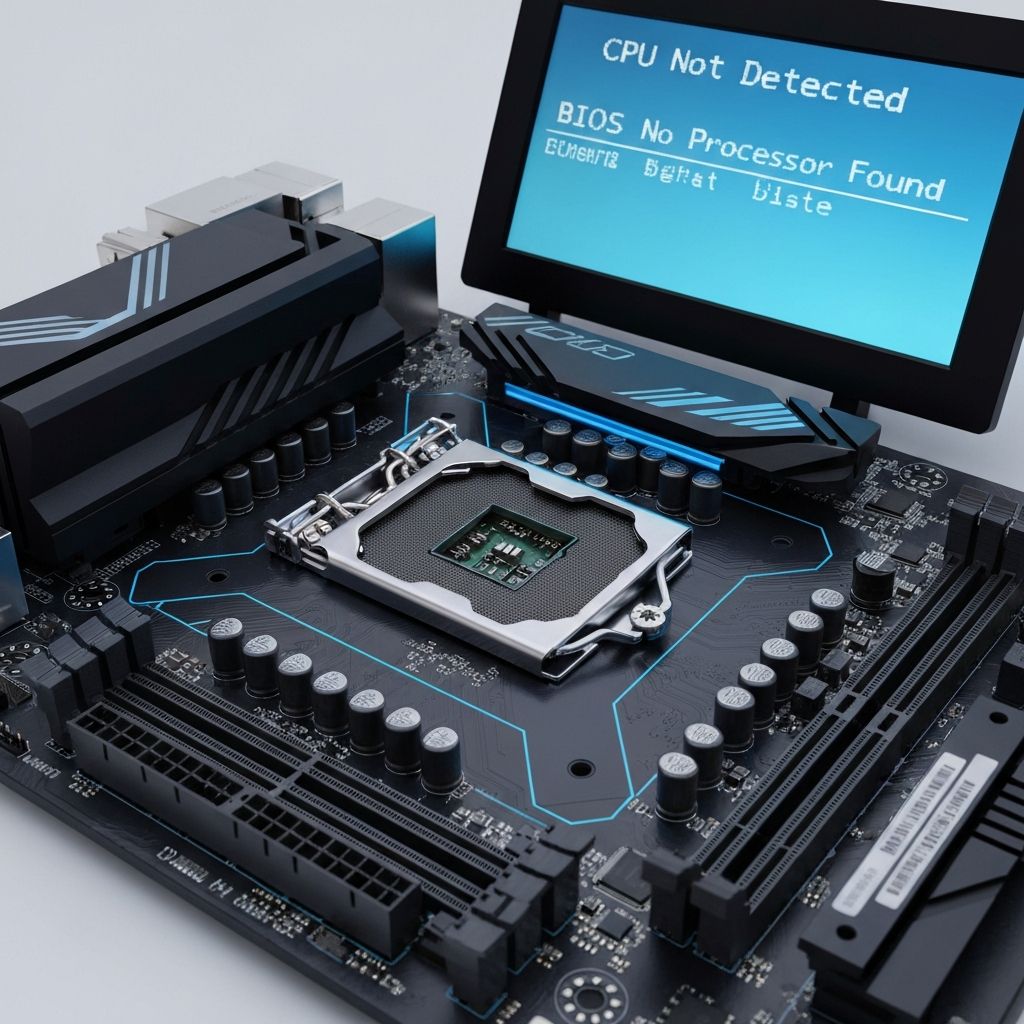
Motherboard CPU Not Detected Error
Troubleshoot motherboard not detecting CPU. Socket issues, compatibility problems, and BIOS errors preventing CPU recognition and system boot.
What is CPU Not Detected?
Motherboard fails to recognize or detect the installed CPU, preventing the system from booting. May show error message in BIOS, debug LED, or simply no POST at all.
When does it occur?
This error appears when:
- Installing new CPU in motherboard
- After BIOS updates
- Upgrading to newer generation CPU
- CPU improperly installed or reseated
- Following motherboard or CPU replacement
Common causes
- CPU not compatible with motherboard chipset
- BIOS version too old for CPU model
- CPU not properly seated in socket
- Bent pins on CPU or socket
- CPU power connector not plugged in
- Faulty CPU or motherboard
- Incorrect CPU installation orientation
Step-by-step fixes
- Verify CPU compatibility - Check motherboard manufacturer website for supported CPU list
- Check BIOS version requirement - Some CPUs need specific minimum BIOS version
- Ensure CPU power connected - 4-pin or 8-pin EPS connector must be plugged into motherboard
- Inspect for bent pins - AMD: check socket pins, Intel: check CPU pins for damage
- Reinstall CPU correctly - Align triangle marker on CPU with socket, do not force
- Clear CMOS - Reset BIOS to defaults before attempting boot
- Update BIOS - Use USB BIOS Flashback or Q-Flash Plus to update without CPU
- Test with compatible CPU - Try known working CPU if available to rule out motherboard issue
If it still doesn't work
For newer CPUs (like Ryzen 5000/7000 on older AM4/AM5 boards or Intel 13th/14th gen on older LGA1700 boards), BIOS update is mandatory. Use motherboard's BIOS Flashback feature if available, or temporarily install an older compatible CPU to update BIOS, then swap to new CPU.
If CPU is confirmed compatible and properly installed but still not detected, either the CPU or motherboard may be defective. Test CPU in another compatible motherboard if possible. Check for warranty and RMA the defective component.
Related errors
Fix ASUS motherboard red CPU LED with no display output. CPU detection failure, socket issues, and boot problems indicated by red CPU debug LED.
Fix PC that powers on but monitor shows no display. Black screen issues, POST failures, and connection problems preventing video output at startup.