
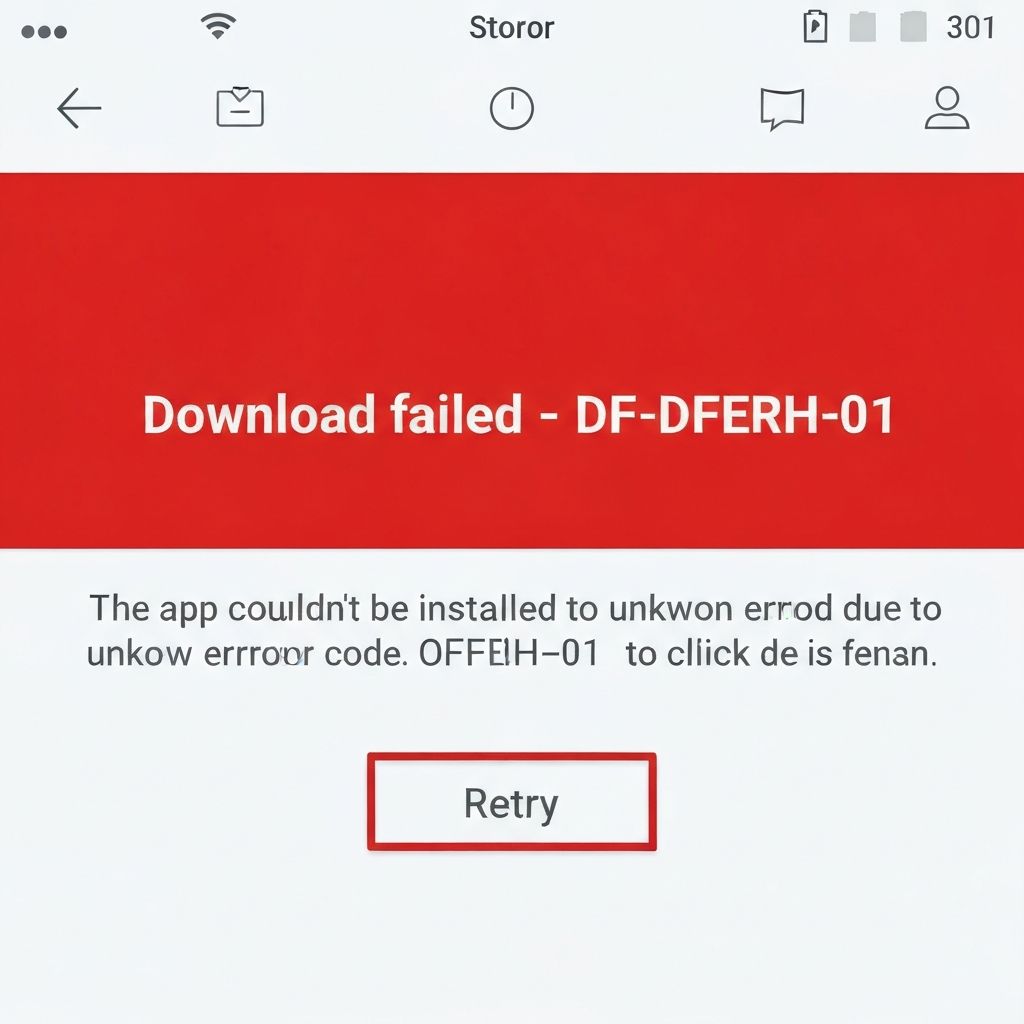
Google Play Error DF-DFERH-01
Resolve Google Play Store error DF-DFERH-01. Download failures, connection issues, and Play Store cache problems preventing app installations.
What is Google Play Error DF-DFERH-01?
Error DF-DFERH-01 is a Google Play Store error that occurs when trying to download or update apps. The error message displays "Error retrieving information from server [DF-DFERH-01]" and prevents app installations.
When does it occur?
This error appears when:
- Downloading new apps from Play Store
- Updating existing applications
- After clearing Play Store data
- Following Google account changes
- With unstable internet connection
Common causes
- Corrupted Google Play Store cache
- Outdated Google Play Services
- Google account synchronization issues
- Unstable or slow internet connection
- Date and time settings incorrect
- Conflicting VPN or proxy settings
- Full device storage
Step-by-step fixes
- Check internet connection - Switch between Wi-Fi and mobile data to test stability
- Clear Play Store cache - Settings > Apps > Google Play Store > Storage > Clear Cache
- Clear Play Store data - Same location > Clear Data (will sign you out)
- Update Google Play Services - Settings > Apps > Google Play Services > Update or enable auto-update in Play Store
- Remove and re-add Google account - Settings > Accounts > Google > Remove account, then add it back
- Check date and time - Settings > General management > Date and time > Set automatically
- Disable VPN - Turn off any VPN or proxy connections
- Free up storage - Delete unnecessary files and apps to create space
If it still doesn't work
Uninstall Google Play Store updates by going to Settings > Apps > Google Play Store > Three dots menu > Uninstall updates. The Play Store will revert to factory version and automatically update to the latest version when opened.
If the error persists, try removing your Google account, restarting your device, then adding the account back. This forces a complete synchronization refresh. Ensure Google Play Services has all necessary permissions enabled in app settings.
Related errors
Fix apps that keep stopping on Samsung Android phones. App crashes, compatibility issues, and system errors causing repeated app closure messages.
Fix System UI not responding error on Android. System UI crashes, launcher freezes, and interface errors causing Android home screen to become unresponsive.