
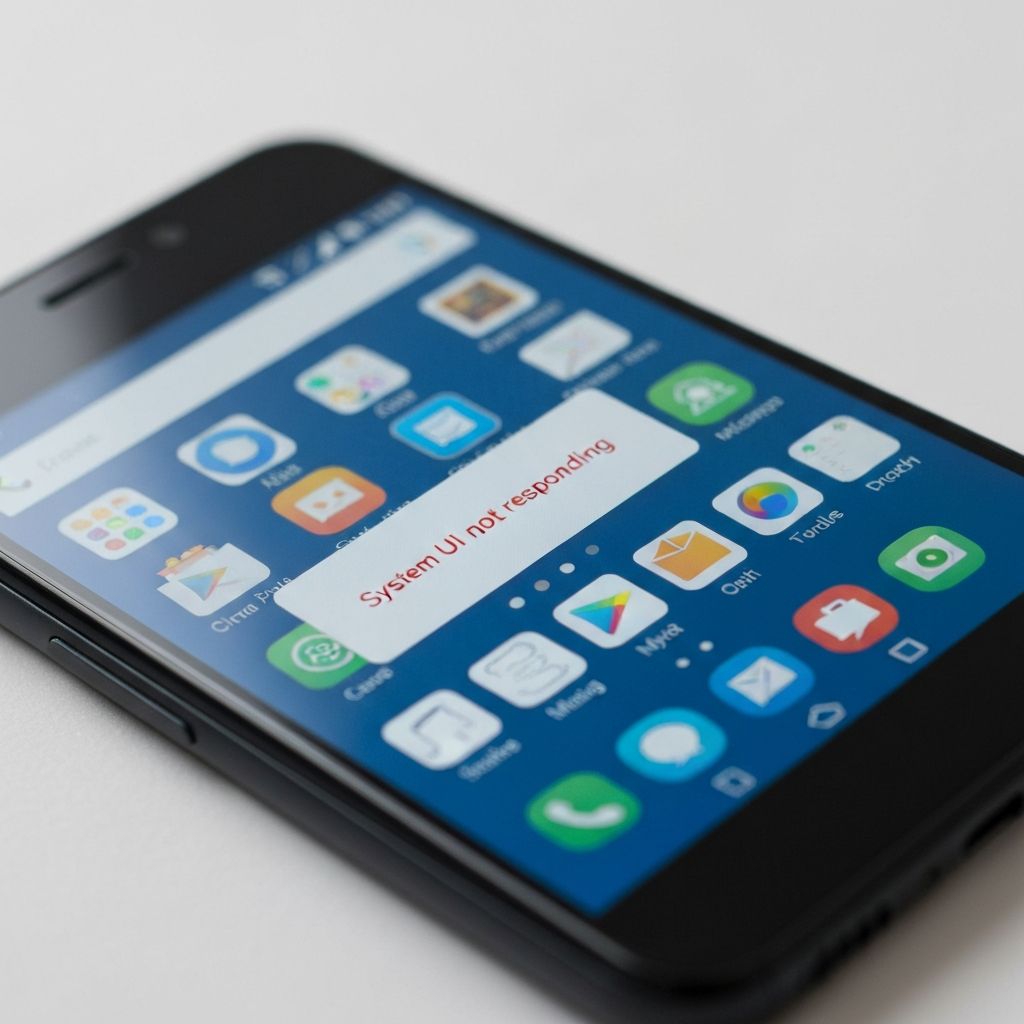
Android System UI Not Responding
Fix System UI not responding error on Android. System UI crashes, launcher freezes, and interface errors causing Android home screen to become unresponsive.
What is System UI Not Responding?
"System UI isn't responding" or "System UI has stopped" is an Android error indicating the system interface (including home screen, navigation bar, and notification shade) has crashed or frozen. This makes the device difficult to use.
When does it occur?
This error appears when:
- After installing system updates
- Following launcher or theme changes
- When running too many apps simultaneously
- After installing incompatible apps
- With corrupted system cache
Common causes
- Corrupted System UI cache
- Incompatible third-party launcher
- Insufficient RAM for system processes
- Conflicting theme or icon pack
- Outdated Android version
- Corrupted system files
- Recent problematic app installation
Step-by-step fixes
- Clear System UI cache - Settings > Apps > Show system apps > System UI > Storage > Clear Cache
- Restart in Safe Mode - Hold power button > Tap and hold Power off > OK to reboot in Safe Mode (tests if third-party app causes issue)
- Switch to default launcher - Settings > Apps > Default apps > Home app > Select default Android launcher
- Uninstall recent apps - Remove any apps installed before error started
- Remove theme/icon packs - Revert to default theme and icons
- Wipe cache partition - Boot into recovery mode and select wipe cache partition
- Check for system updates - Settings > System > System update > Check for updates
- Free up RAM - Close background apps and restart device
If it still doesn't work
If Safe Mode resolves the issue, a third-party app is causing the conflict. Uninstall apps one by one (starting with most recently installed) until the error stops. Common culprits include custom launchers, theme apps, and screen overlay apps.
As a last resort, perform a factory reset after backing up important data (Settings > System > Reset options > Erase all data). If the error persists even after factory reset, it may indicate a hardware problem or corrupted firmware requiring professional service or reflashing the stock ROM.
Related errors
Fix apps that keep stopping on Samsung Android phones. App crashes, compatibility issues, and system errors causing repeated app closure messages.