
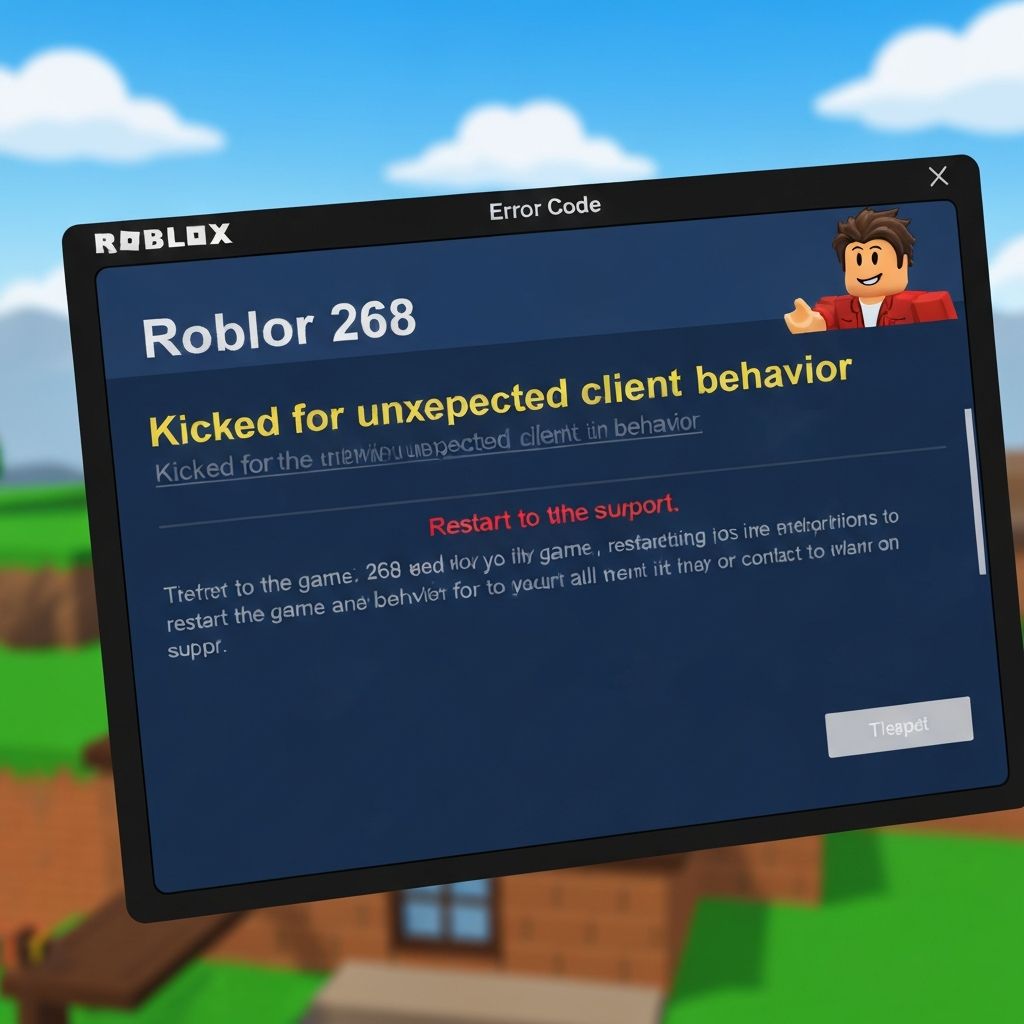
Fix Roblox Error Code 268 Kick Unexpected Client Behavior 2025
Solve Roblox error code 268 unexpected client behavior kicks. Complete guide to fix anti-cheat detections, script errors, and client issues causing automatic kicks in Roblox games 2025.
What is Roblox Error Code 268?
Roblox error code 268 with the message "Kicked by server: Unexpected client behavior" occurs when Roblox's anti-cheat system detects unusual activity from your game client. This security measure protects games from exploiters but sometimes triggers falsely for legitimate players.
When does it occur?
This error appears when:
- Anti-cheat systems flag your client as suspicious
- Modified or corrupted game files are detected
- Third-party software interferes with Roblox
- Multiple Roblox instances are running simultaneously
- Outdated cache files cause conflicts
Common causes
- Exploit software or script executors running in background
- Corrupted Roblox installation files
- Antivirus software interfering with game processes
- Outdated graphics drivers causing rendering issues
- VPN or proxy connections flagged as suspicious
- Multiple Roblox accounts logged in same device
Step-by-step fixes
- Close all exploit tools - Completely exit any cheat engines, script executors, or macro software
- Clear Roblox cache - Delete %localappdata%\\Roblox folder contents (keep Versions folder)
- Disable antivirus temporarily - Add Roblox to exclusions list in Windows Security
- Update graphics drivers - Visit AMD, NVIDIA, or Intel website for latest drivers
- Disable VPN/Proxy - Use direct internet connection without intermediaries
- Close duplicate Roblox instances - Open Task Manager and end all RobloxPlayerBeta.exe processes
- Reinstall Roblox completely - Uninstall via Control Panel, delete remaining folders, fresh install
- Check for Windows updates - Install pending system updates that may fix compatibility issues
Advanced solutions
If basic fixes fail, try these advanced methods:
- Reset network adapter settings using netsh winsock reset command
- Create new Windows user profile to eliminate profile corruption issues
- Disable hardware acceleration in Roblox settings if using integrated graphics
- Run Roblox as administrator from its install directory
- Check for conflicting overlay software (Discord, NVIDIA GeForce Experience)
Prevention tips
To avoid future occurrences of error 268:
- Never use third-party modification tools or exploits
- Keep Roblox updated to latest version automatically
- Maintain clean system with regular malware scans
- Use stable internet connection without VPN for gaming
- Don't share account with others who may use exploits
\\\`
Related errors
Fix Roblox error code 277 on Android tablets. Connection issues, firewall blocks, and network problems causing disconnections from Roblox games.
Resolve Roblox error code 279 on mobile data networks. Fix cellular connection issues, data restrictions, and network blocks preventing Roblox gameplay on mobile data 2025.