
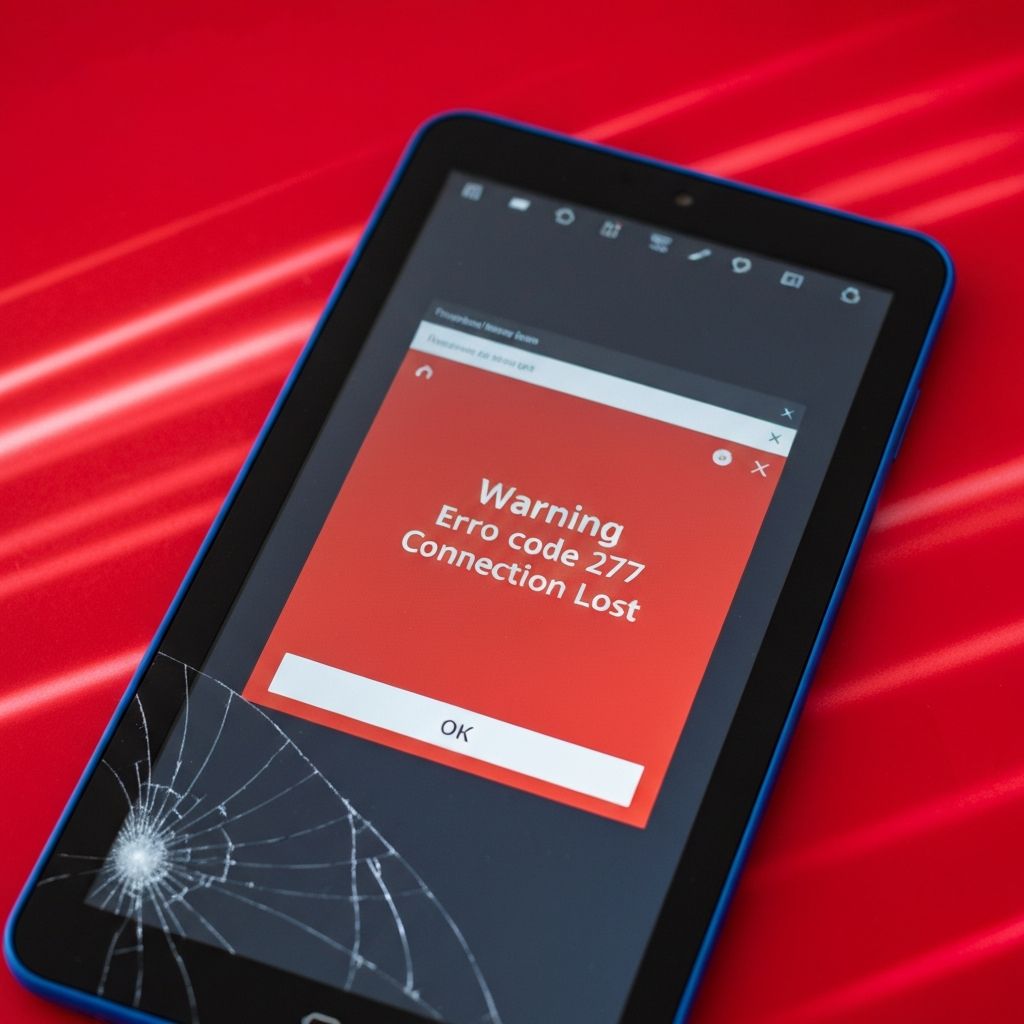
Roblox Error Code 277 Android Tablet
Fix Roblox error code 277 on Android tablets. Connection issues, firewall blocks, and network problems causing disconnections from Roblox games.
What is Roblox Error Code 277?
Roblox error code 277 is a connection error that appears when your Android tablet loses connection to the Roblox game server. The error message typically says "Disconnected: Lost connection to the game server (Error Code: 277)."
When does it occur?
This error occurs during gameplay when:
- Your internet connection becomes unstable or drops
- The Roblox server experiences issues
- Network restrictions or firewalls block the connection
- The game server kicks you due to inactivity or violations
Common causes
- Weak or unstable Wi-Fi connection on your tablet
- Mobile data connection interruptions
- Router firewall blocking Roblox connections
- Outdated Roblox app version
- Server-side issues from Roblox
- Anti-virus or security software blocking connections
Step-by-step fixes
- Check your internet connection - Switch between Wi-Fi and mobile data to test stability
- Restart your Android tablet - A simple reboot can fix temporary connection issues
- Update the Roblox app - Go to Google Play Store and update to the latest version
- Clear Roblox app cache - Settings > Apps > Roblox > Storage > Clear Cache
- Disable VPN if using one - VPNs can sometimes interfere with Roblox connections
- Check Roblox server status - Visit Roblox status page to see if servers are down
- Move closer to your Wi-Fi router - Improve signal strength for better connection
- Restart your router - Unplug for 30 seconds, then plug back in
If it still doesn't work
If none of the above solutions work, the issue might be with your network provider or ISP blocking certain gaming ports. Contact your internet service provider to check if Roblox ports are being blocked. You can also try playing on a different network to isolate the problem.
Consider reinstalling the Roblox app as a last resort. Uninstall completely, restart your tablet, then download a fresh copy from Google Play Store.
Related errors
Resolve Roblox error code 279 caused by firewall blocking connections. Fix Windows Firewall, router settings, and network restrictions preventing Roblox access.
Fix Roblox error code 524 when joining VIP private servers. Server not found errors, expired VIP servers, and access permission issues.