
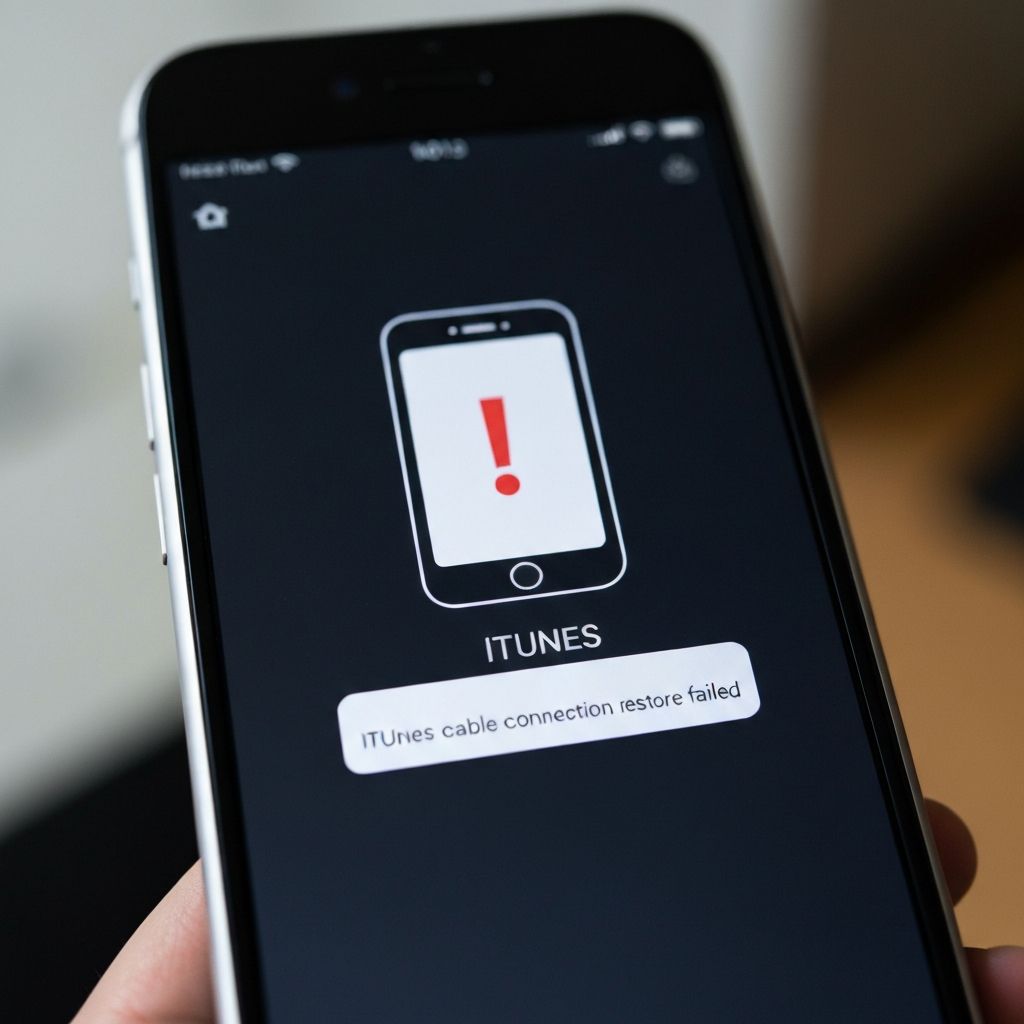
iPhone Error 4013 iTunes Cable
Resolve iPhone error 4013 caused by cable and iTunes issues. USB connectivity problems, cable damage, and port issues during iPhone sync or restore.
What is iPhone Error 4013 Cable Issue?
Error 4013 related to cable and iTunes indicates the USB connection between your iPhone and computer is unstable or interrupted during the update/restore process. This is specifically a connectivity hardware problem rather than software.
When does it occur?
This error appears when:
- USB cable disconnects briefly during update
- Using damaged or frayed Lightning cable
- USB port provides insufficient power
- Computer USB ports are malfunctioning
- Using very long extension USB cables
Common causes
- Damaged or counterfeit USB cable
- Worn out Lightning connector
- Dirty or debris-filled iPhone port
- Faulty computer USB ports
- USB hub reducing power delivery
- Bent pins in USB or Lightning connector
- Cable strain near connectors
Step-by-step fixes
- Inspect cable for damage - Check for fraying, bent connectors, or exposed wires
- Clean iPhone charging port - Use soft brush or toothpick to remove lint and debris
- Use genuine Apple cable - Replace with MFi-certified or Apple original cable
- Try all USB ports - Test each port on your computer to find most stable one
- Connect directly to computer - Remove USB hubs and extensions
- Use rear USB ports on desktop - These typically provide more stable power
- Try different cable entirely - Borrow another confirmed working Apple cable
- Check for bent pins - Inspect both Lightning and USB connector pins carefully
If it still doesn't work
Test your iPhone cable with another device to confirm it's functioning properly. If the cable works fine for charging but fails during restore, the issue might be data transfer capacity rather than power delivery.
Consider the iPhone's Lightning port itself may be damaged. If you see visible damage or the cable doesn't click firmly into place, the port may need professional repair. Apple Stores can run diagnostics to determine if the port is faulty.
Related errors
Fix iPhone error 4013 during iOS update or restore. USB connection issues, hardware problems, and iTunes errors preventing iPhone restoration.