
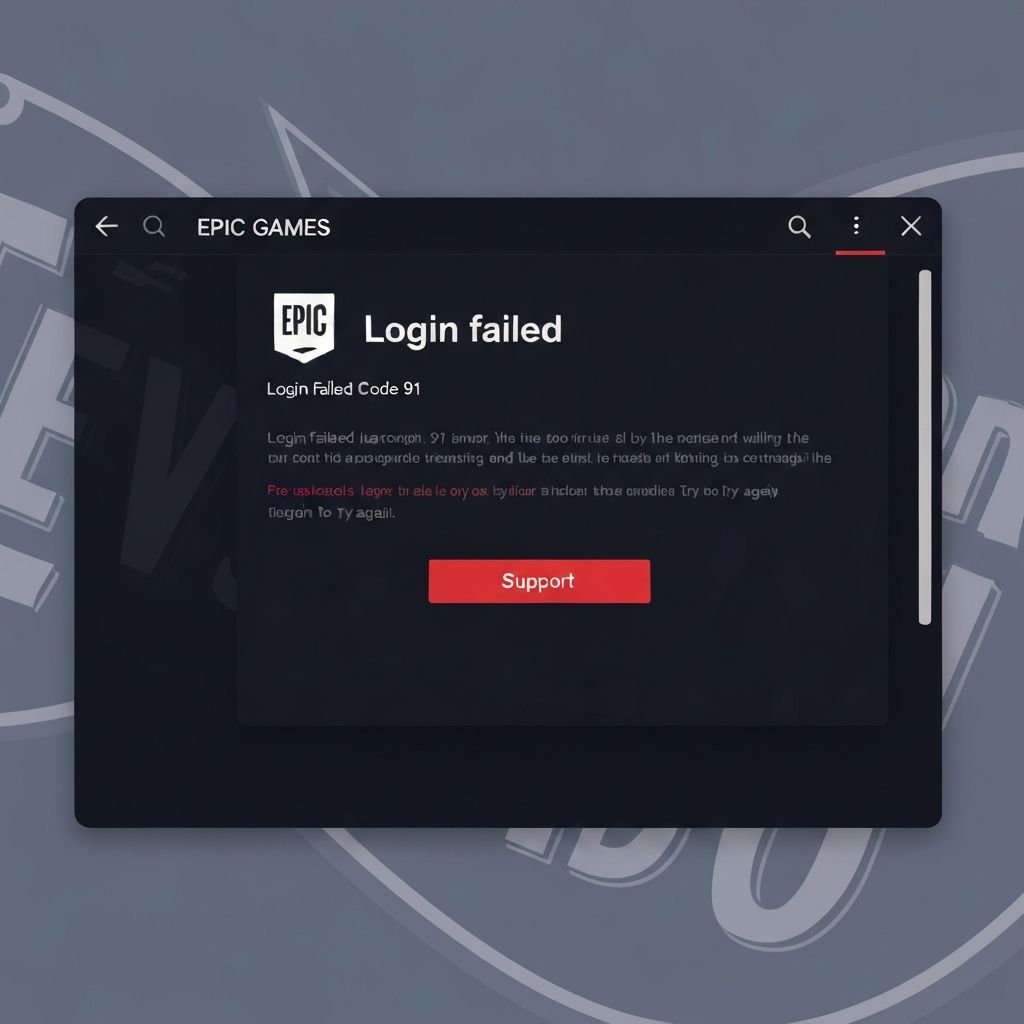
Fix Fortnite Login Failed Error Code 91 Unable Connect 2025
Resolve Fortnite login failed error code 91 unable to connect to servers. Fix Epic Games authentication failures, network issues, and service outages causing code 91 login errors 2025.
What is Fortnite Error Code 91?
Fortnite error code 91 "Login Failed. Unable to connect to Fortnite servers" indicates authentication or connection problems between your Epic Games account and Fortnite game servers. This error prevents you from logging in and accessing the game lobby, often related to server issues or network configuration problems.
When error 91 occurs
This login error appears during:
- Initial login attempt after launching Fortnite
- After game updates or season changes
- During Epic Games server maintenance periods
- When network firewall blocks authentication requests
- After changing Epic account password recently
Common causes
- Epic Games servers down or undergoing maintenance
- Firewall or antivirus blocking port 80/443 connections
- DNS cache corruption preventing server resolution
- Incorrect system date/time causing SSL certificate errors
- VPN or proxy interfering with authentication
- Corrupted Epic Games Launcher cache files
- ISP blocking Epic Games server IP ranges
Step-by-step fixes
- Check Epic Games server status - Visit status.epicgames.com for outages
- Restart Epic Games Launcher - Fully exit from system tray, relaunch
- Flush DNS cache - Open CMD as admin, run ipconfig /flushdns
- Verify system date/time - Ensure correct timezone and NTP sync enabled
- Disable VPN/proxy - Use direct internet connection for authentication
- Allow Fortnite through firewall - Add exception for EpicGamesLauncher.exe
- Clear Epic Launcher cache - Delete Webcache folder from AppData\\Local\\EpicGamesLauncher
- Reset network settings - netsh winsock reset && netsh int ip reset
Network configuration fixes
Optimize network for Epic Games authentication:
- Change DNS to Google (8.8.8.8, 8.8.4.4) or Cloudflare (1.1.1.1)
- Disable IPv6 in network adapter if causing conflicts
- Open required ports - TCP: 80, 443, 5222, 5795-5847 / UDP: 5000-5500
- Set router UPnP to enabled for automatic port forwarding
- Update router firmware to latest version
- Try mobile hotspot to rule out ISP issues
Epic Games Launcher specific fixes
For launcher-related authentication problems:
- Run launcher as administrator
- Repair Epic Games Launcher - Settings > Repair
- Reinstall Epic Games Launcher completely
- Log out and back into Epic account in browser first
- Enable two-factor authentication (may fix account sync issues)
- Check if Epic account has any active bans or restrictions
Regional server issues
Sometimes specific regions experience problems:
- Try selecting different matchmaking region in Fortnite settings
- Use VPN to test if your region/ISP is being blocked
- Check Reddit/Twitter for reports from your region
- Contact Epic Support if only your region affected
- Wait 30-60 minutes during peak hours, retry login
Advanced troubleshooting
For persistent error code 91:
- Check Windows Event Viewer for network/SSL errors
- Temporarily disable antivirus completely (not just gaming mode)
- Test with different Windows user account
- Verify no parental controls blocking Epic Games
- Check if Windows Firewall has hidden rules blocking authentication
- Contact ISP about Epic Games whitelist policies
\\\`
Related errors
Solve Fortnite Easy Anti-Cheat error 30005 preventing game launch. Complete guide to fix EAC service failures, installation errors, and driver conflicts causing error 30005 in Fortnite 2025.
Resolve Epic Games Launcher error LS-0013 on Windows 11. Fix launcher startup failures, login issues, and service communication errors preventing Epic launcher from working in 2025.