
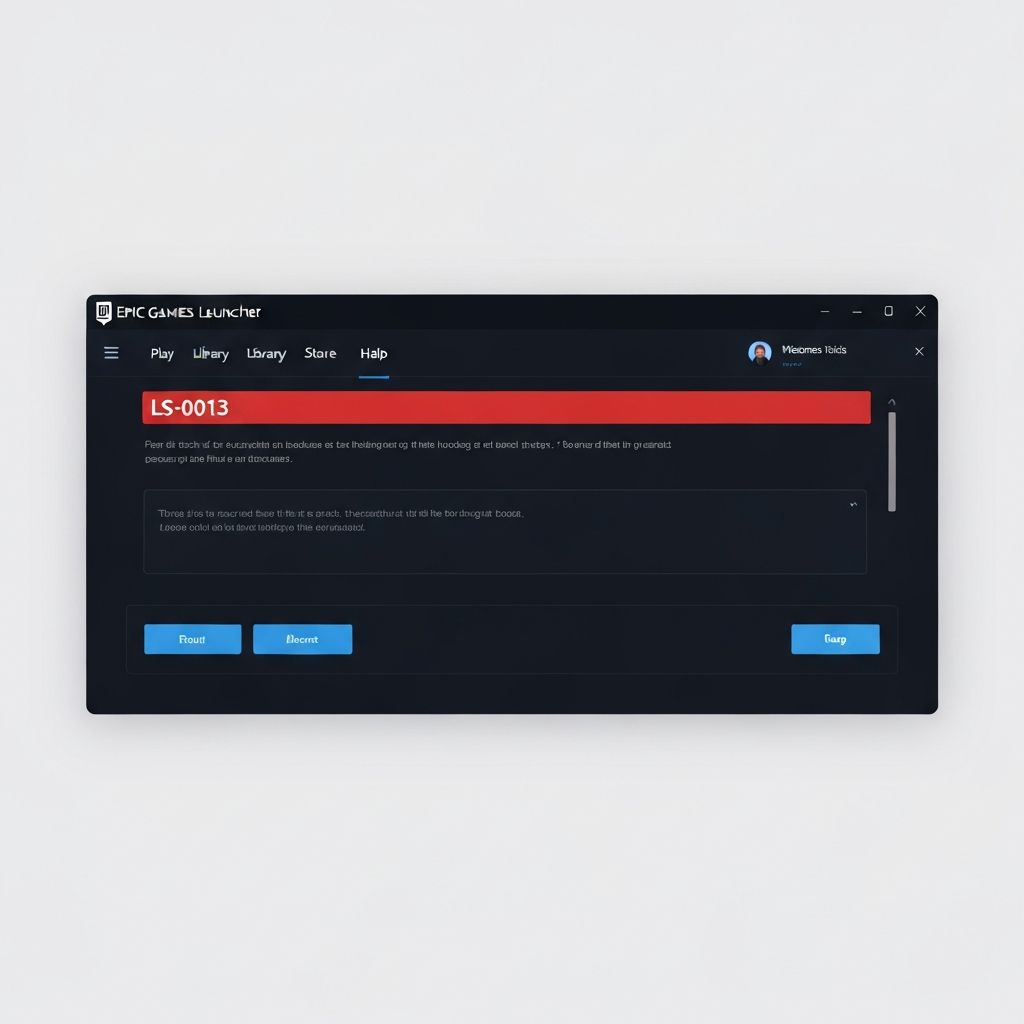
Fix Epic Games Launcher LS-0013 Error Windows 11 2025
Resolve Epic Games Launcher error LS-0013 on Windows 11. Fix launcher startup failures, login issues, and service communication errors preventing Epic launcher from working in 2025.
What is Epic Games Launcher LS-0013?
Epic Games Launcher error LS-0013 on Windows 11 indicates a failure to authenticate or communicate with Epic Games services. This error appears as "LS-0013: Unable to verify ownership" or similar messages, preventing the launcher from starting properly or logging into your Epic account on Windows 11 systems.
Why LS-0013 occurs on Windows 11
Windows 11 specific factors:
- Enhanced Windows Defender blocking launcher processes
- SmartScreen filtering Epic services communication
- Windows 11 security features interfering with DRM verification
- AppData folder permission issues in Windows 11
- TLS 1.3 protocol incompatibilities
Common causes
- Corrupted Epic Games Launcher installation cache
- Windows 11 firewall blocking launcher services
- Antivirus software quarantining Epic files
- Incorrect system date/time causing certificate errors
- VPN or proxy interfering with authentication
- Epic Games services experiencing outages
- Outdated Epic Games Launcher version
Step-by-step fixes
- Run launcher as administrator - Right-click > Run as administrator
- Clear Epic launcher cache - Delete C:\\Users\\[User]\\AppData\\Local\\EpicGamesLauncher\\Saved folder
- Allow launcher through firewall - Windows Security > Firewall > Allow app > Epic Games Launcher
- Verify system time - Settings > Time & language > Sync now
- Disable VPN/proxy - Use direct connection without intermediaries
- Flush DNS and reset network - ipconfig /flushdns && netsh winsock reset
- Reinstall Epic Games Launcher - Uninstall, download fresh from epicgames.com
- Check Epic server status - Visit status.epicgames.com for service disruptions
Windows 11 specific fixes
For issues unique to Windows 11:
- Disable Windows Defender Core Isolation temporarily - Windows Security > Device Security
- Add Epic to SmartScreen exclusions - Windows Security > App & browser control
- Run PowerShell as admin: Get-AppxPackage -AllUsers Microsoft.SecHealthUI | Reset-AppxPackage
- Check Windows 11 security settings aren't blocking Epic domains
- Disable VBS (Virtualization-Based Security) if conflicting
- Update Windows 11 to latest build (often fixes launcher issues)
Clearing Epic Games cache completely
Thorough cache clearing process:
- Close Epic Games Launcher completely
- Delete C:\\Users\\[User]\\AppData\\Local\\EpicGamesLauncher
- Delete C:\\Users\\[User]\\AppData\\Local\\EpicGamesLauncher\\Saved
- Delete C:\\Users\\[User]\\AppData\\Roaming\\Epic\\EpicGamesLauncher
- Delete C:\\ProgramData\\Epic
- Restart computer
- Fresh launcher installation
Network troubleshooting
Fix connection issues causing LS-0013:
- Change DNS to Google (8.8.8.8) or Cloudflare (1.1.1.1)
- Disable IPv6 if causing routing conflicts
- Reset Windows network stack completely
- Check if ISP blocks Epic Games domains
- Try mobile hotspot to isolate home network issues
- Open TCP ports 80, 443, 5222, 5795-5847
Antivirus interference
Common antivirus programs causing LS-0013:
Windows Defender: Add entire Epic Games folder to exclusions
Avast/AVG: Disable Web Shield temporarily for testing
Kaspersky: Add Epic processes to trusted applications
Norton: Disable SONAR protection for Epic launcher
McAfee: Add Epic to access protection rules
Last resort fixes
If nothing else works:
- Create new Windows 11 user account (admin)
- Test Epic launcher in safe mode with networking
- Perform Windows 11 reset keeping files
- Check if Windows is activated (unlicensed Windows may block services)
- Contact Epic Support with msinfo32 system report
\\\`
Related errors
Resolve Fortnite login failed error code 91 unable to connect to servers. Fix Epic Games authentication failures, network issues, and service outages causing code 91 login errors 2025.
Resolve Steam error code E87 connection failed during downloads and updates. Fix network timeouts, CDN issues, and download server problems preventing Steam game installations in 2025.