
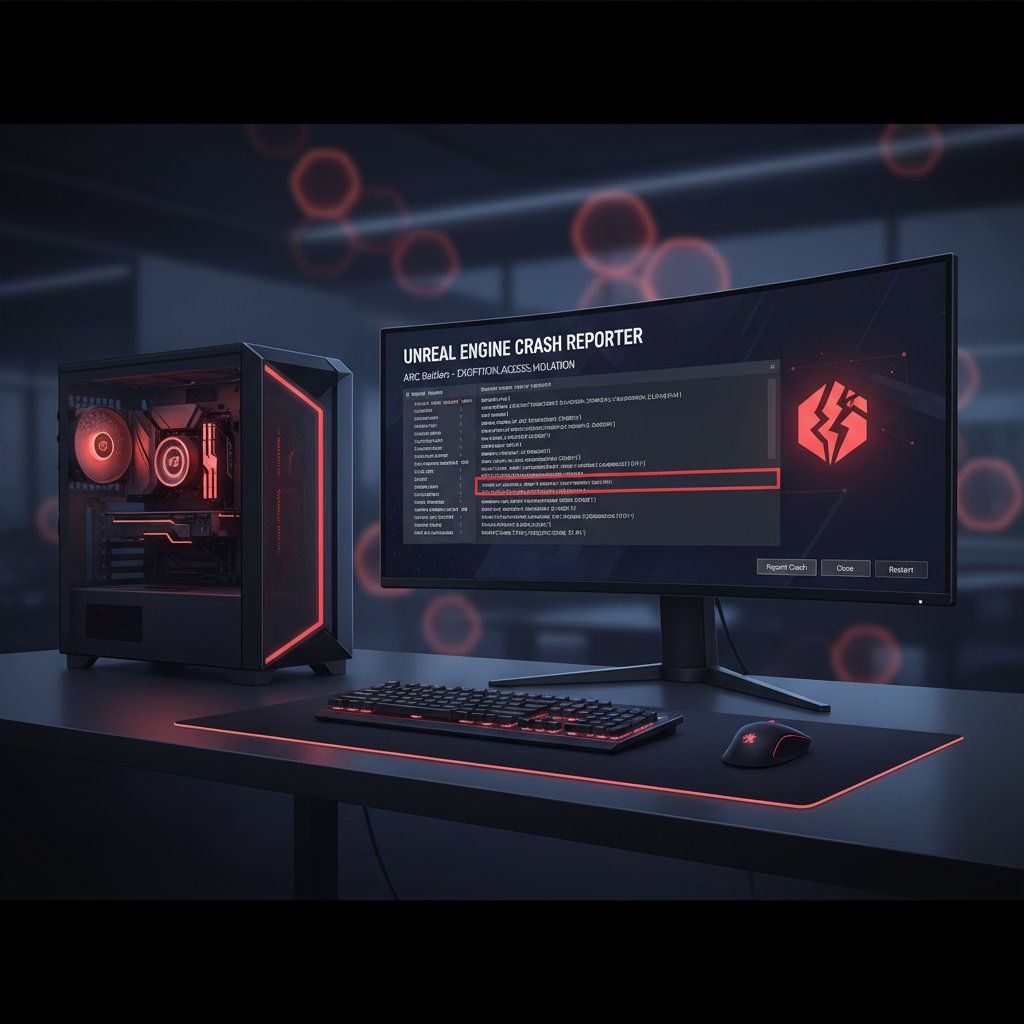
ARC Raiders EXCEPTION_ACCESS_VIOLATION Crash on PC
Fix ARC Raiders Unhandled Exception EXCEPTION_ACCESS_VIOLATION crash on PC. Resolve memory access errors, DX12 conflicts, and anti-cheat issues causing game crashes.
What is the ARC Raiders EXCEPTION_ACCESS_VIOLATION crash?
The EXCEPTION_ACCESS_VIOLATION error in ARC Raiders is a memory access violation that occurs when the game attempts to read or write to a memory address it does not have permission to access. The full error message typically reads: "Unhandled Exception: EXCEPTION_ACCESS_VIOLATION reading address 0x0000000000000000." This forces the Unreal Engine process to terminate immediately, crashing the game to desktop with no further explanation.
This error has become one of the most reported issues in ARC Raiders since the game surged to the top of Steam's most-played charts in early 2026. It affects players on a wide range of hardware configurations, from mid-range to high-end PCs.
When does it occur?
- During loading into a raid match or transitioning between zones
- In the middle of intense combat with multiple players and AI enemies
- When NVIDIA RTX Global Illumination is set to Dynamic mode
- After alt-tabbing out of the game and returning
- On systems with outdated or unstable GPU drivers
- When Easy Anti-Cheat files are corrupted or misconfigured
Common causes
- Corrupted game files — Incomplete downloads or failed updates leave broken assets that trigger memory access errors
- DirectX 12 instability — The default DX12 renderer can cause crashes on certain GPU and driver combinations
- NVIDIA RTX GI set to Dynamic — The Dynamic global illumination mode is known to cause memory violations on many systems
- Outdated GPU drivers — Older NVIDIA or AMD drivers lack critical stability patches for ARC Raiders
- Easy Anti-Cheat corruption — A damaged EAC installation prevents the game from running properly
- Background overlay applications — Discord overlay, GeForce Experience, and MSI Afterburner can conflict with the game's memory allocation
- GPU overclocking — Unstable overclock settings cause the GPU to return bad data, triggering access violations
Step-by-step fixes
- Verify game file integrity — In Steam, right-click ARC Raiders > Properties > Local Files > Verify integrity of game files. Wait for the process to finish and relaunch.
- Set RTX Global Illumination to Static — Open Settings > Graphics and change NVIDIA RTX Global Illumination to Static. If you cannot access settings, navigate to
%LOCALAPPDATA%\ArcRaiders\Saved\Config\Windows\GameUserSettings.iniand setRTXGIQuality=Static.
- Force DirectX 11 mode — In Steam, right-click ARC Raiders > Properties > General > Launch Options and add
-dx11. This bypasses DX12 rendering issues at a minor performance cost.
- Update your GPU driver — Download the latest WHQL driver from [nvidia.com/drivers](https://nvidia.com/drivers) or [amd.com/drivers](https://amd.com/drivers). Perform a clean installation by checking "Perform a clean installation" in the NVIDIA installer or using DDU (Display Driver Uninstaller) first.
- Repair Easy Anti-Cheat — Navigate to your Steam library folder, typically
C:\Program Files (x86)\Steam\steamapps\common\ARC Raiders\EasyAntiCheat\, runEasyAntiCheat_Setup.exeas Administrator, select ARC Raiders, and click Repair Service.
- Disable overlay applications — Close Discord overlay (User Settings > Game Overlay > disable), GeForce Experience overlay (Settings > General > In-Game Overlay off), and any other overlay software before launching.
- Revert GPU overclocking — Reset your GPU to stock clocks using MSI Afterburner or your overclocking tool. Also remove any CPU overclocks temporarily to rule out system instability.
- Reset shader cache — For NVIDIA: open NVIDIA Control Panel > Manage 3D Settings > scroll to Shader Cache Size and toggle it off, apply, then toggle it back on. For AMD: open AMD Adrenalin > Settings > Graphics > Reset Shader Cache.
If it still doesn't work
If the crash persists after all the steps above, try lowering all graphics settings to Low and capping the frame rate to 60 FPS using the in-game limiter. This reduces GPU memory pressure during raids. You can also try launching the game in windowed mode by adding -windowed to the Steam launch options.
As a last resort, fully uninstall ARC Raiders including the %LOCALAPPDATA%\ArcRaiders folder, then reinstall on a fast SSD. Check the official ARC Raiders Discord and the [Embark Studios help center](https://id.embark.games/arc-raiders/support) for known issues and hotfix updates, as the developers actively patch stability problems.
Related errors
Fix Steam disk write error on SSD. Permission issues, drive errors, corrupted downloads preventing game installation or updates on solid state drives.
Enable TPM 2.0 and Secure Boot to fix Valorant error VAN 9001. BIOS settings for Windows 11 security requirements and Vanguard anti-cheat.