
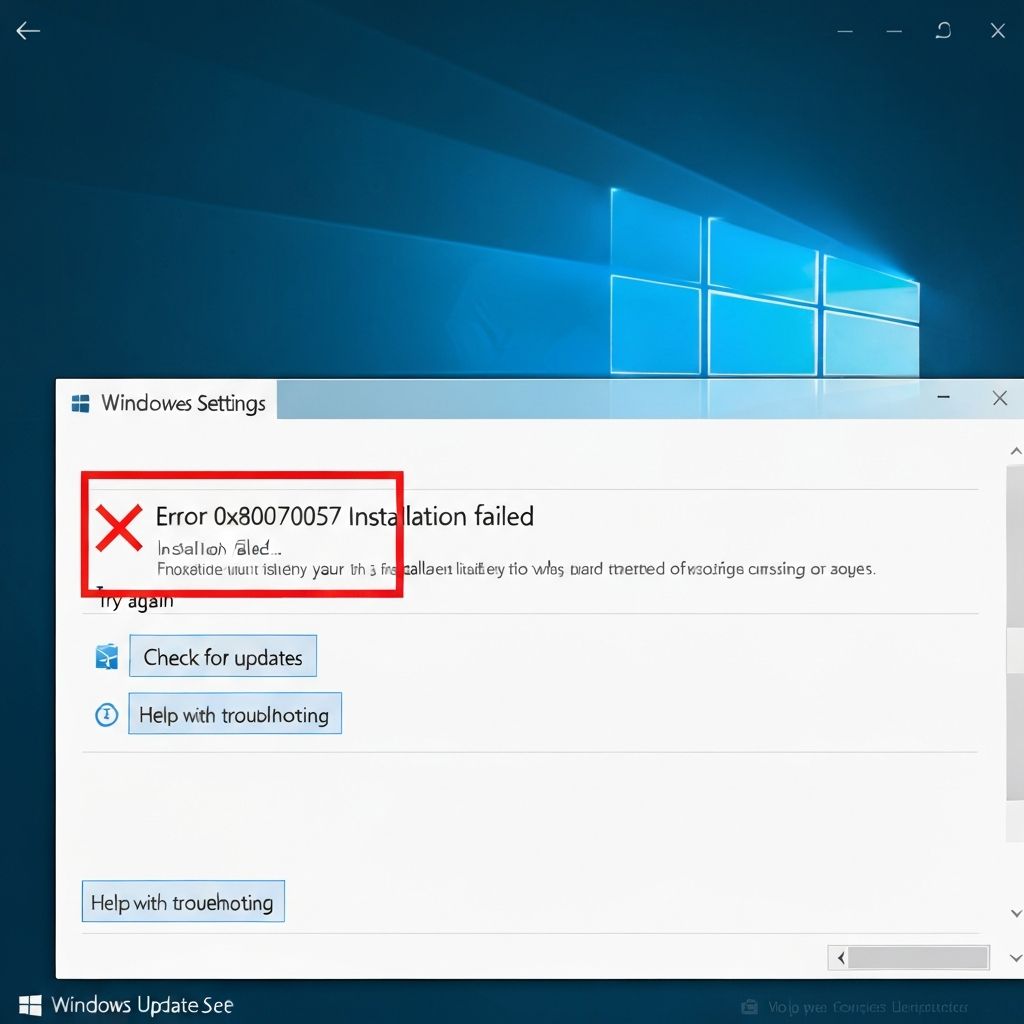
Windows Update Error 0x80070057
Resolve Windows update error 0x80070057. Invalid parameter errors, corrupted update components, and failed installations preventing Windows updates.
What is Windows Update Error 0x80070057?
Error 0x80070057 indicates "The parameter is incorrect" and occurs when Windows Update encounters invalid configuration or corrupted update components. This prevents installation of Windows updates and security patches.
When does it occur?
This error appears when:
- Installing Windows feature updates
- Downloading cumulative updates
- After resetting Windows Update components
- When update files are corrupted
- With insufficient disk space
Common causes
- Corrupted Windows Update components
- Invalid registry settings
- Insufficient disk space
- Corrupted Software Distribution folder
- Incorrect date/time settings
- Third-party antivirus interference
Step-by-step fixes
- Run Windows Update Troubleshooter - Settings > System > Troubleshoot > Other troubleshooters > Windows Update
- Reset Windows Update components - Run as admin: net stop wuauserv, net stop cryptSvc, ren C:\Windows\SoftwareDistribution SoftwareDistribution.old, net start wuauserv, net start cryptSvc
- Check date and time - Settings > Time & language > Date & time > Set automatically
- Free up disk space - Delete temporary files and old Windows installations
- Run DISM - CMD as admin > "DISM /Online /Cleanup-Image /RestoreHealth"
- Modify registry - Run regedit > HKEY_LOCAL_MACHINE\SOFTWARE\Microsoft\Windows\CurrentVersion\WindowsUpdate > Delete if exists
- Disable antivirus temporarily - Turn off third-party antivirus and retry update
- Use Windows Update Assistant - Download from Microsoft website for manual update
If it still doesn't work
Download the specific update manually from Microsoft Update Catalog (catalog.update.microsoft.com) and install it directly. Use the Media Creation Tool to perform an in-place upgrade if multiple updates continue to fail.
Check Windows Update log files in C:\Windows\Logs\WindowsUpdate for detailed error information. Consider using the Show or Hide Updates troubleshooter to temporarily hide problematic updates while investigating further.
\\\`