
mobile-errors
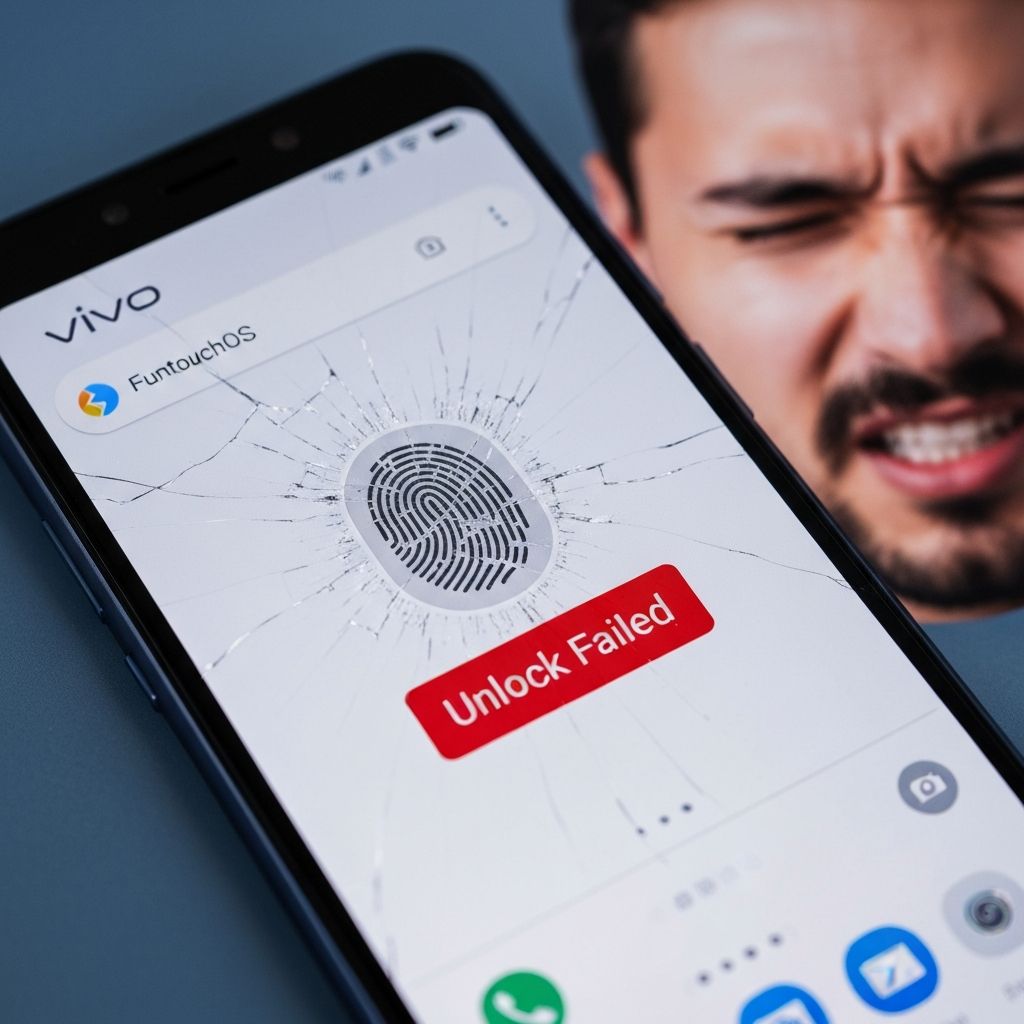
Vivo FuntouchOS Fingerprint Sensor Not Working Fix 2025
Fix Vivo FuntouchOS fingerprint scanner not responding. In-display fingerprint not detecting, unlock failed, and sensor not recognizing finger.
Last updated: 1/16/2025
vivo
funtouch os
fingerprint
biometric
unlock
This content is for informational purposes only. We are not professional technicians. Always consult qualified professionals for critical system issues.
Vivo FuntouchOS Fingerprint Sensor Not Working
Vivo devices with FuntouchOS in-display fingerprint sensor failing to recognize registered fingerprints or not responding to touch.
Symptoms
- Fingerprint not recognized
- Sensor not responding
- Unlock failed repeatedly
- Slow fingerprint detection
Solutions
Re-register Fingerprints
- Settings > Fingerprint, Face & Password
- Delete existing fingerprints
- Add fingerprint again
- Register multiple angles
- Test unlock
Clean Screen Protector Area
- Remove any thick screen protector
- Clean sensor area thoroughly
- Use thin tempered glass (<0.3mm)
- Ensure no air bubbles
- Test sensor
Increase Touch Sensitivity
- Settings > Display & Brightness
- Touch sensitivity
- Enable increased sensitivity
- Restart phone
- Test fingerprint
Reset Fingerprint Settings
- Settings > System Management
- Backup & Reset
- Reset all settings
- Don't erase data
- Re-add fingerprints
Prevention
- Use official screen protectors
- Keep sensor area clean
- Register fingers when hands dry
- Update FuntouchOS regularly
\\\`