
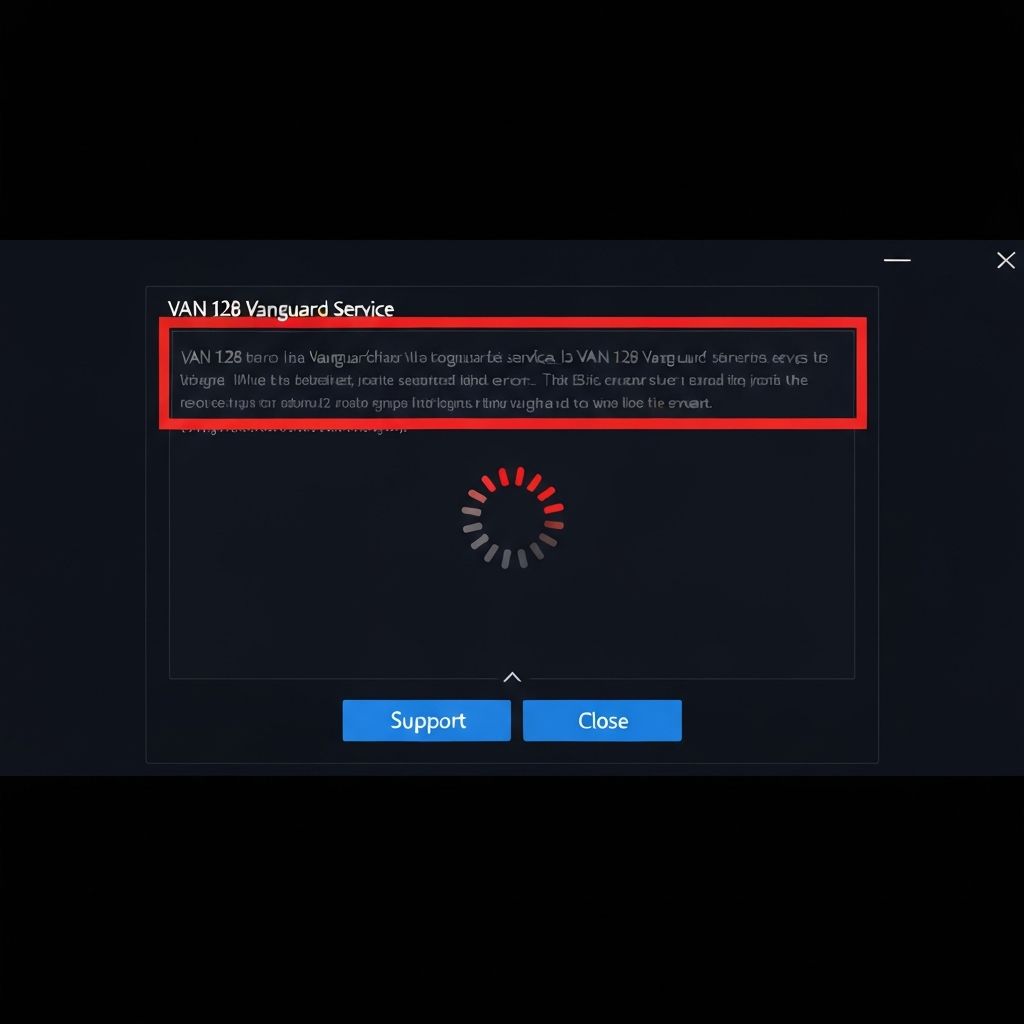
Fix Valorant VAN 128 Vanguard Service Not Running 2025
Resolve Valorant VAN 128 Vanguard service error preventing game launch. Fix anti-cheat service startup failures, driver loading issues, and Windows service conflicts causing VAN 128 in 2025.
What is Valorant VAN 128 Error?
Valorant VAN 128 error occurs when Riot Vanguard anti-cheat service fails to start or initialize properly. The error message "Vanguard has encountered an error. Please reboot and try again. VAN 128" indicates the background service cannot run at boot level, preventing Valorant from launching.
Why Vanguard service fails
Vanguard requires boot-level access to function:
- Windows services blocked by security software
- Driver loading failures during boot process
- Conflicting third-party anti-cheat or security drivers
- Corrupted Vanguard installation files
- Insufficient system permissions for kernel drivers
Common causes
- Vanguard service disabled in Windows Services
- Third-party antivirus blocking driver initialization
- Windows updates breaking driver signatures
- Multiple anti-cheat systems conflicting
- System file corruption affecting driver loading
- User account lacking administrator privileges
- Fast Startup interfering with boot-level services
Step-by-step fixes
- Run Valorant as administrator - Right-click > Run as administrator
- Enable Vanguard service - services.msc > vgc service > Startup type: Automatic
- Uninstall and reinstall Vanguard - System tray icon > Uninstall Vanguard, restart
- Disable Fast Startup - Control Panel > Power Options > Choose what closing lid does
- Run SFC and DISM - sfc /scannow then DISM /Online /Cleanup-Image /RestoreHealth
- Check Windows Event Viewer - Look for vgk or vgc driver loading errors
- Temporarily disable antivirus - Test if security software blocks Vanguard
- Clean boot Windows - msconfig > Selective startup > Disable all non-Microsoft services
Advanced service troubleshooting
For persistent service failures:
- Check service dependencies - Vanguard requires certain Windows services running
- Reset Windows service defaults - Use DISM reset command
- Verify driver signature - sigverif.exe to check unsigned drivers blocking Vanguard
- Check for conflicting drivers - Look for other anti-cheat drivers (EasyAntiCheat, BattlEye)
- Test in clean Windows user profile - Create new admin account to test
- Update motherboard chipset drivers - Latest chipset drivers fix loading issues
If Vanguard won't start at boot
Force Vanguard to load correctly:
- Disable all startup programs except Vanguard
- Uninstall conflicting anti-cheat games temporarily
- Check BIOS for VT-x/AMD-V virtualization settings
- Ensure Windows is genuine and activated
- Try installing Vanguard to default path (don't use custom install locations)
Related Windows services
Ensure these services are running:
- Base Filtering Engine (bfe)
- Windows Defender Firewall
- Cryptographic Services
- Windows Update
If these are stopped, Vanguard may fail to initialize properly.
\\\`
Related errors
Resolve Valorant VAN 84 Vanguard error on Windows 11. Complete guide to fix anti-cheat initialization failures, secure boot issues, and TPM problems causing VAN 84 in Valorant 2025.
Resolve Valorant VAN 92 connection timeout preventing matchmaking. Fix network issues, firewall blocks, and server connection failures causing VAN 92 error in Valorant 2025.