
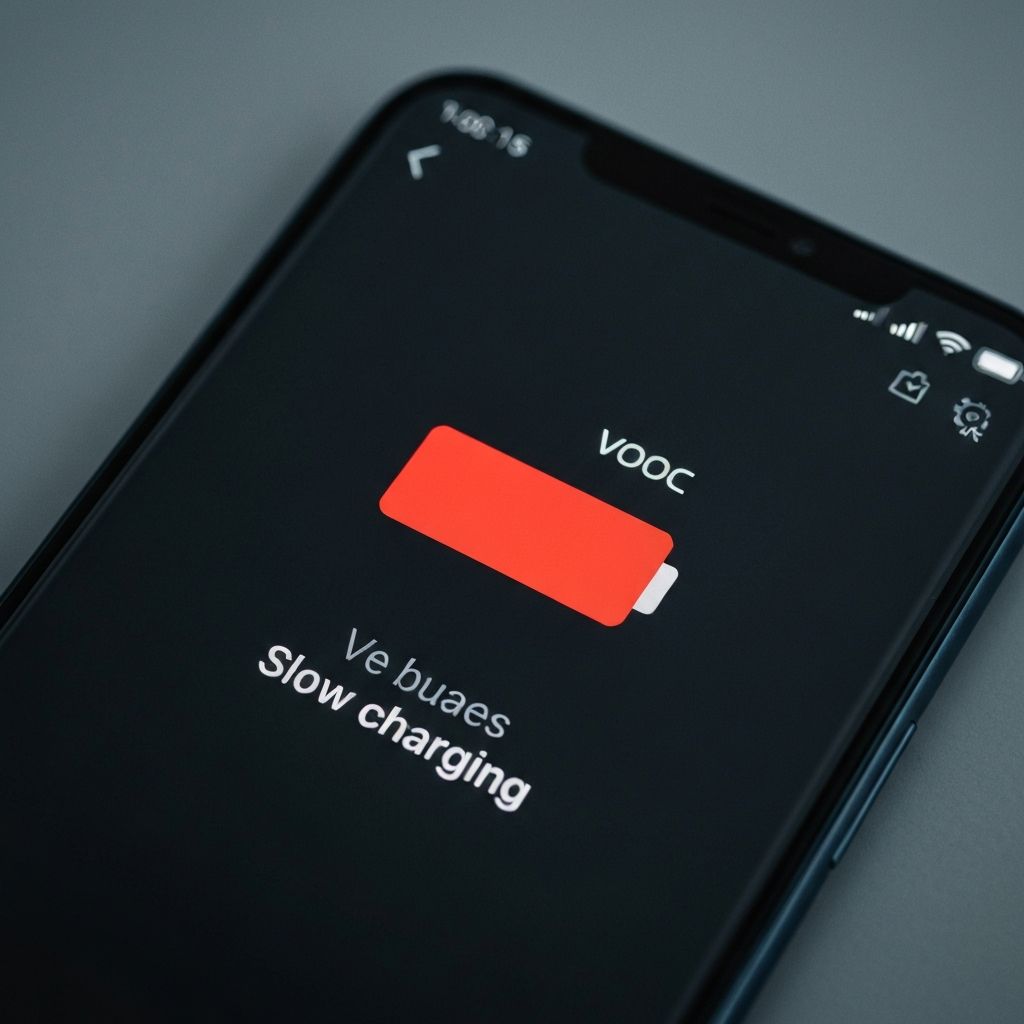
mobile-errors
OPPO ColorOS Slow Charging Issue Not Fast Charging 2025
Fix OPPO ColorOS slow charging problem. VOOC flash charge not working, phone charging slowly despite fast charger, and charging speed issues.
Last updated: 1/16/2025
oppo
coloros
charging
vooc
battery
This content is for informational purposes only. We are not professional technicians. Always consult qualified professionals for critical system issues.
OPPO ColorOS Slow Charging Not Fast Charging Despite VOOC
OPPO devices with ColorOS charging slowly despite using official VOOC/SuperVOOC fast charger and cable.
Symptoms
- No fast charging notification
- Takes 3+ hours to charge
- Charging icon not showing lightning
- VOOC not activating
Solutions
Enable Fast Charging
- Settings > Battery
- Fast charging toggle
- Enable if disabled
- Plug in charger
- Check for lightning bolt icon
Clean Charging Port
- Power off phone
- Use toothpick gently
- Remove lint and dust
- Wipe with isopropyl alcohol
- Let dry 5 minutes
Check Cable and Adapter
- Use only official OPPO charger
- Inspect cable for damage
- Try different wall outlet
- Test with another OPPO device
- Replace if needed
Restart During Charging
- Plug in charger
- Restart phone while connected
- Let it boot up
- Check charging speed
- Should show fast charging
Prevention
- Use official VOOC chargers only
- Clean port monthly
- Don't charge in extreme heat
- Remove phone case when charging
\\\`