
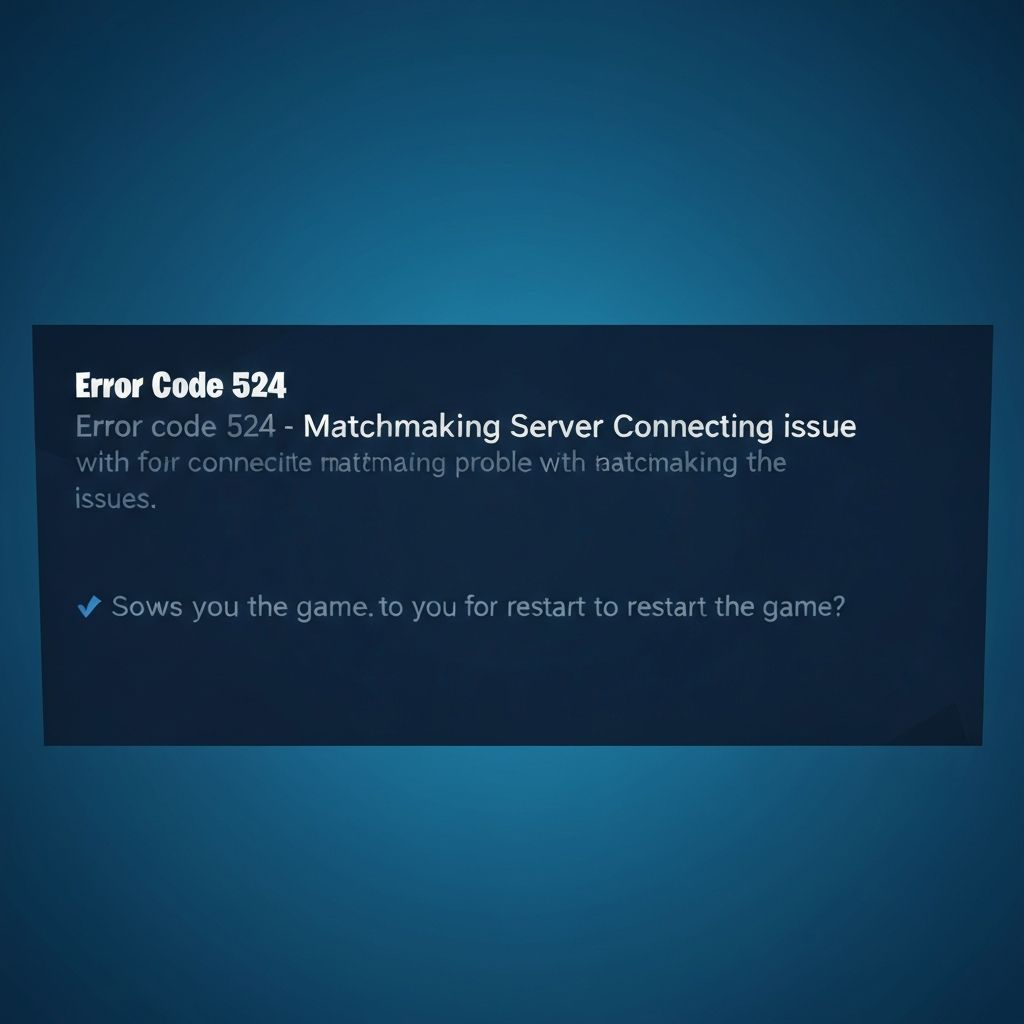
Fortnite Error Code 524
Fix Fortnite error code 524 matchmaking issues. Server connection problems, region mismatch, and party join errors preventing game access.
What is Fortnite Error Code 524?
Fortnite error code 524 is a matchmaking error that occurs when the game cannot connect you to a match or party. The error typically displays "Unable to join party" or "Matchmaking Error 524."
When does it occur?
This error appears when:
- Trying to join a friend's party
- Entering matchmaking queue
- Switching between game modes
- After a game disconnection
- During high server traffic periods
Common causes
- Epic Games server overload or maintenance
- NAT type restrictions on your network
- Party leader's connection issues
- Cross-platform compatibility problems
- Outdated Fortnite client version
- Corrupted game cache files
Step-by-step fixes
- Restart Fortnite completely - Close game entirely and relaunch
- Check Fortnite server status - Visit status.epicgames.com for server updates
- Change matchmaking region - Settings > Game > Matchmaking Region > Select different region
- Leave and rejoin party - Exit current party, wait 30 seconds, rejoin
- Restart Epic Games Launcher - Close launcher completely and restart
- Change NAT type to Open - Router settings > Enable UPnP or DMZ for your device
- Verify game files - Epic Games Launcher > Library > Fortnite > Settings > Verify
- Update Fortnite - Ensure you're running the latest version of the game
If it still doesn't work
If you're consistently unable to join parties, check your NAT type in network settings. Strict or Moderate NAT types can prevent party connections. Consider port forwarding UDP ports 5795, 5800, 5795-5847 and TCP ports 5222, 5795-5847 in your router settings.
For cross-platform party issues, ensure all players have cross-platform play enabled in Fortnite settings. Sometimes temporarily disabling cross-platform, restarting, then re-enabling it can resolve connection issues.
Related errors
Resolve Valorant error VAN 81 connection failed. Network issues, Riot servers down, firewall blocking, and connection timeout problems.