
mobile-errors
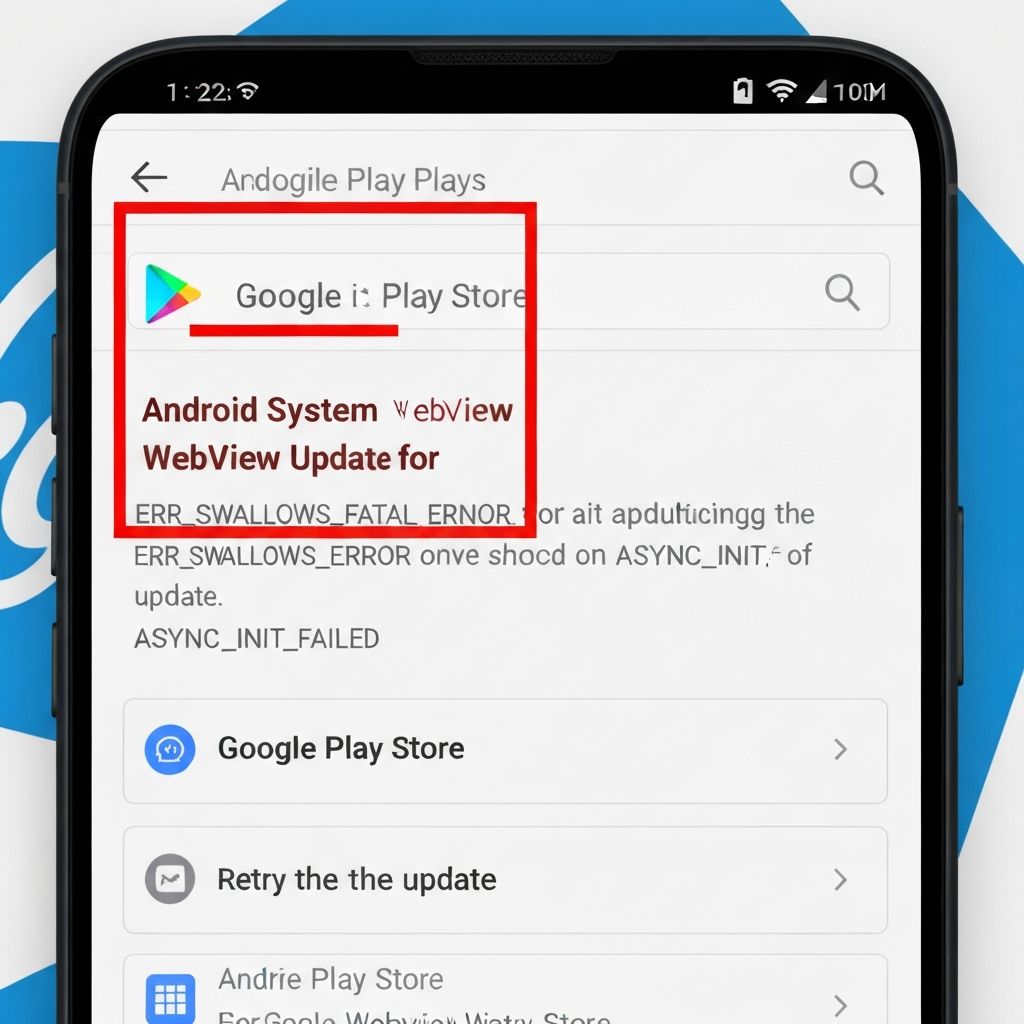
Android System WebView Won't Update Play Store 2025
Fix Android System WebView update failed error on Google Play Store. WebView not updating, stuck updating, or installation error solutions.
Last updated: 1/16/2025
android
webview
google play
update error
mobile
This content is for informational purposes only. We are not professional technicians. Always consult qualified professionals for critical system issues.
Android System WebView Update Error Google Play Store
Android System WebView failing to update from Google Play Store causes app crashes and web content loading issues.
Symptoms
- WebView update stuck at pending
- Installation failed error
- Apps crashing after WebView update
- Can't download WebView update
Solutions
Clear Play Store Data
- Settings > Apps
- Find Google Play Store
- Storage > Clear Cache
- Clear Data
- Try update again
Uninstall WebView Updates
- Settings > Apps
- Show system apps
- Find Android System WebView
- Uninstall Updates
- Restart and update
Update Via APK Mirror
- Visit apkmirror.com safely
- Search Android System WebView
- Download latest version
- Install APK file
- Restart device
Factory Reset Play Store
- Settings > Apps > Play Store
- Uninstall Updates
- Restart phone
- Open Play Store
- Update WebView
Prevention
- Keep sufficient storage (2GB+)
- Update Play Store first
- Don't force stop WebView
- Regular cache clearing
\\\`